
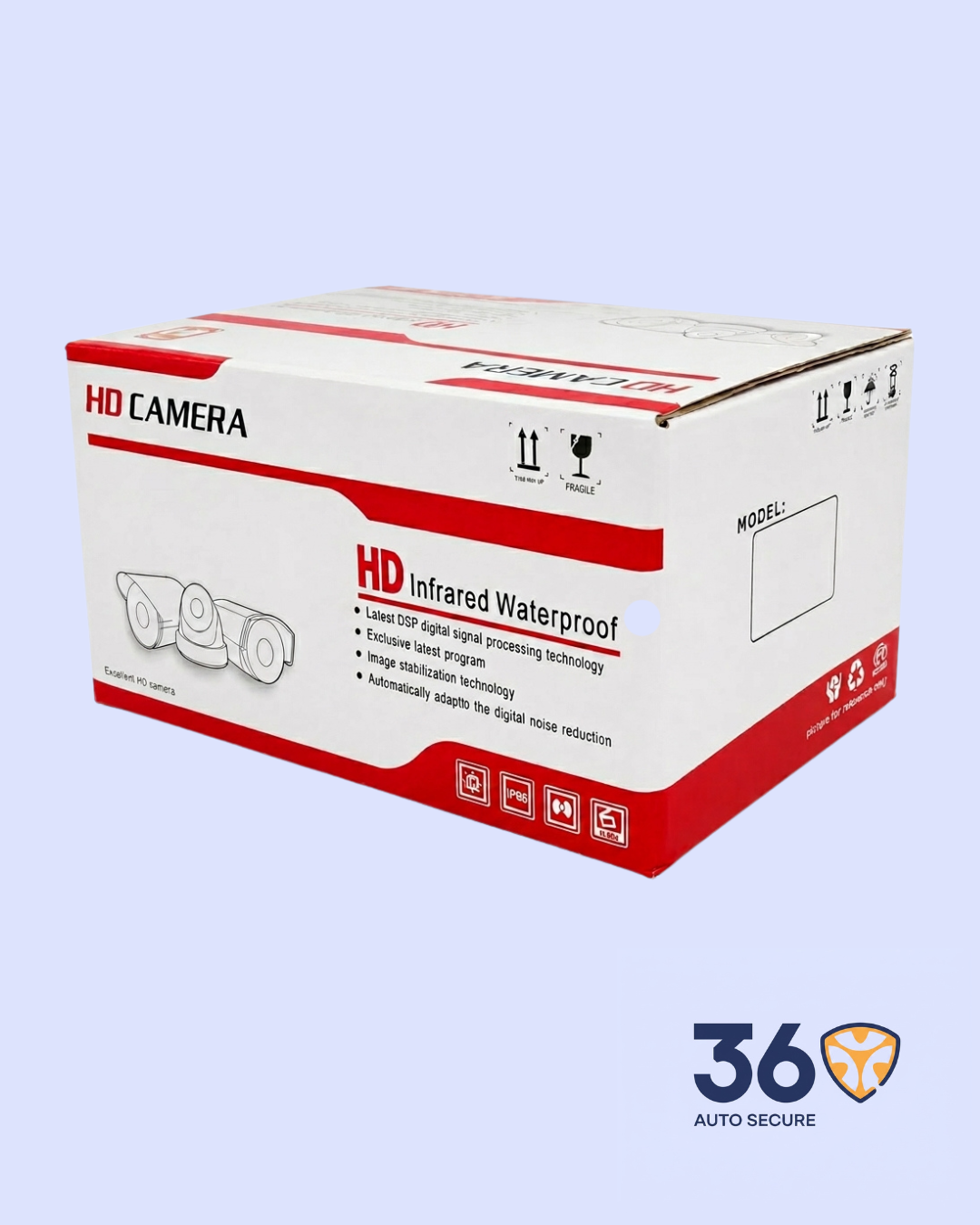
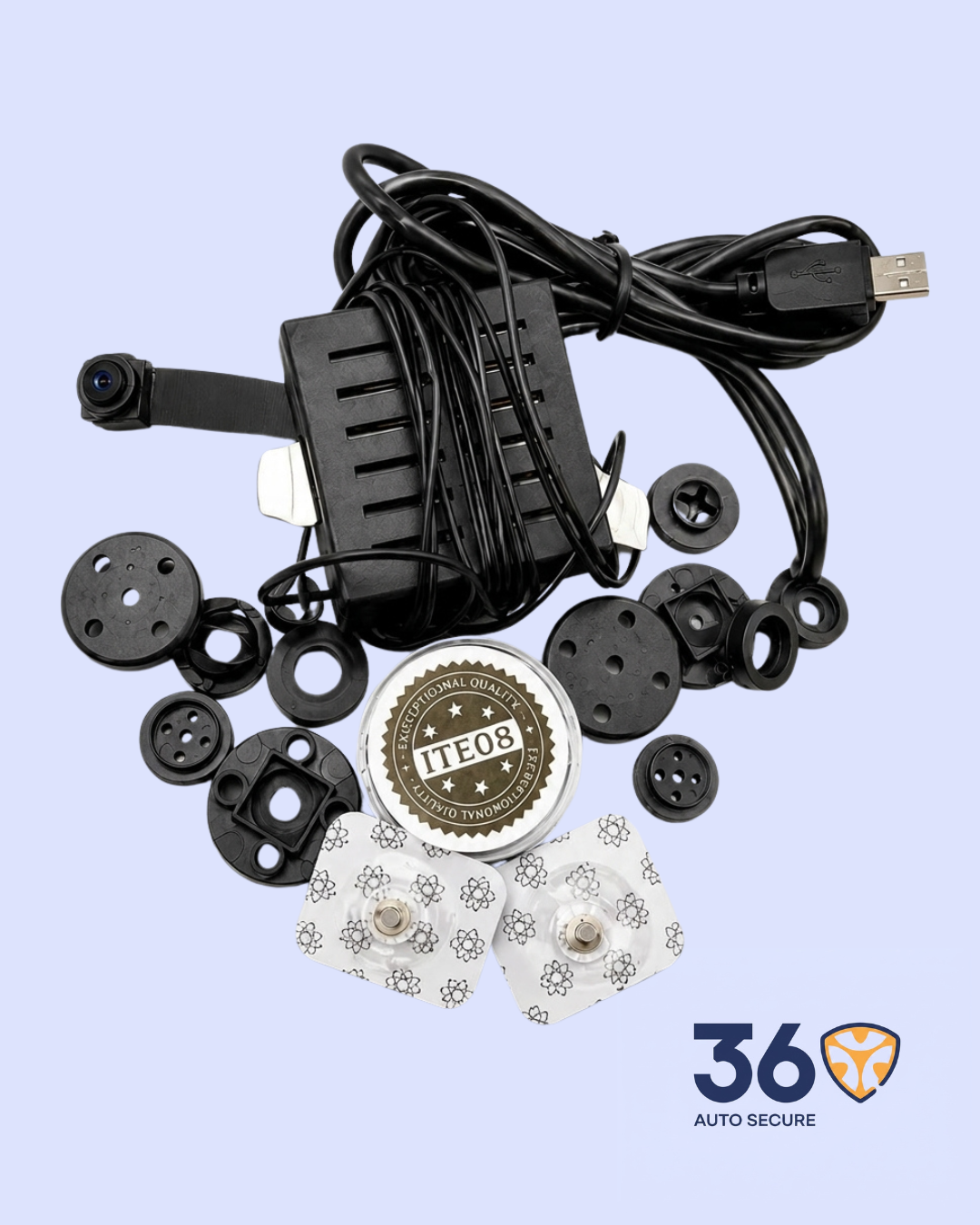
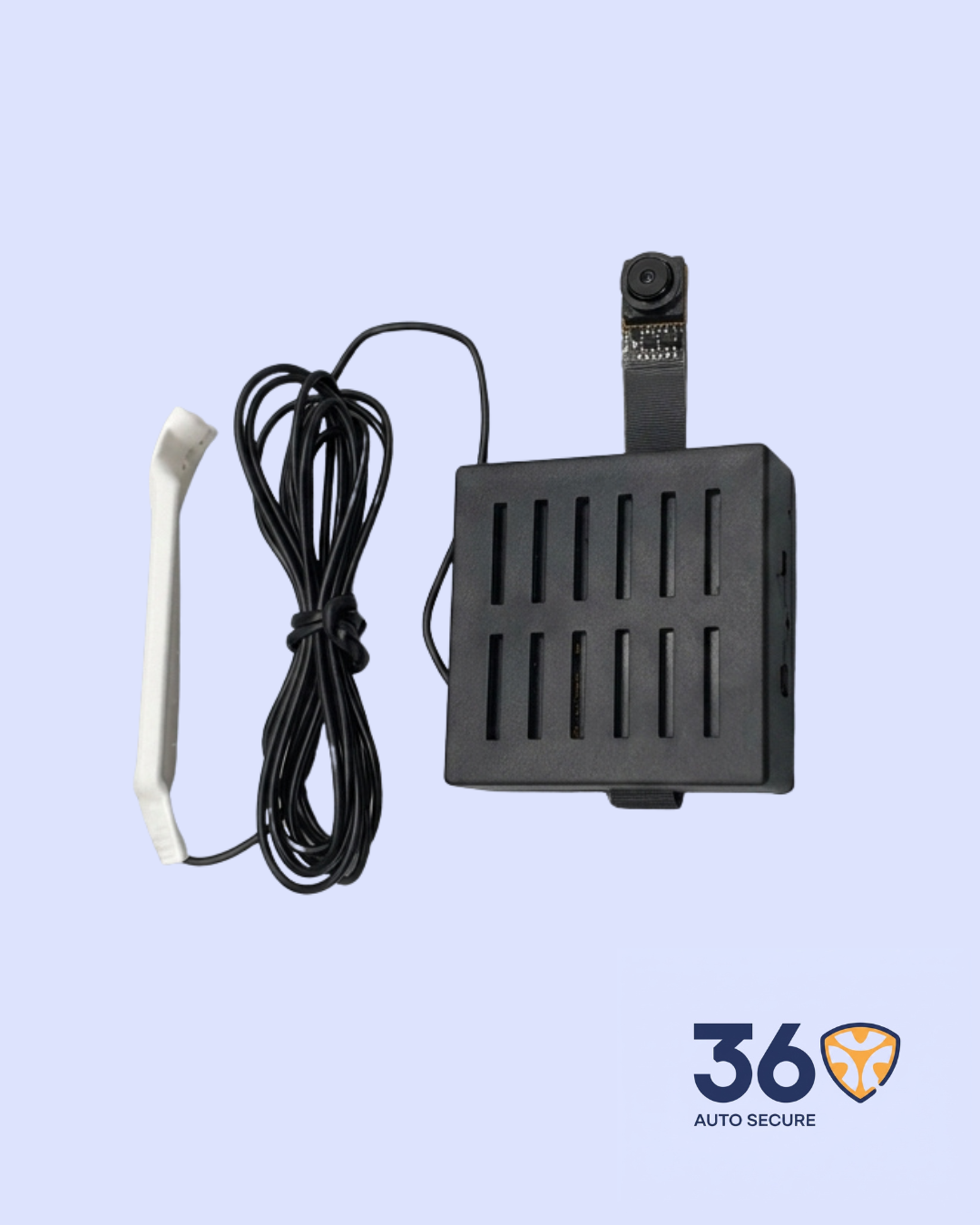
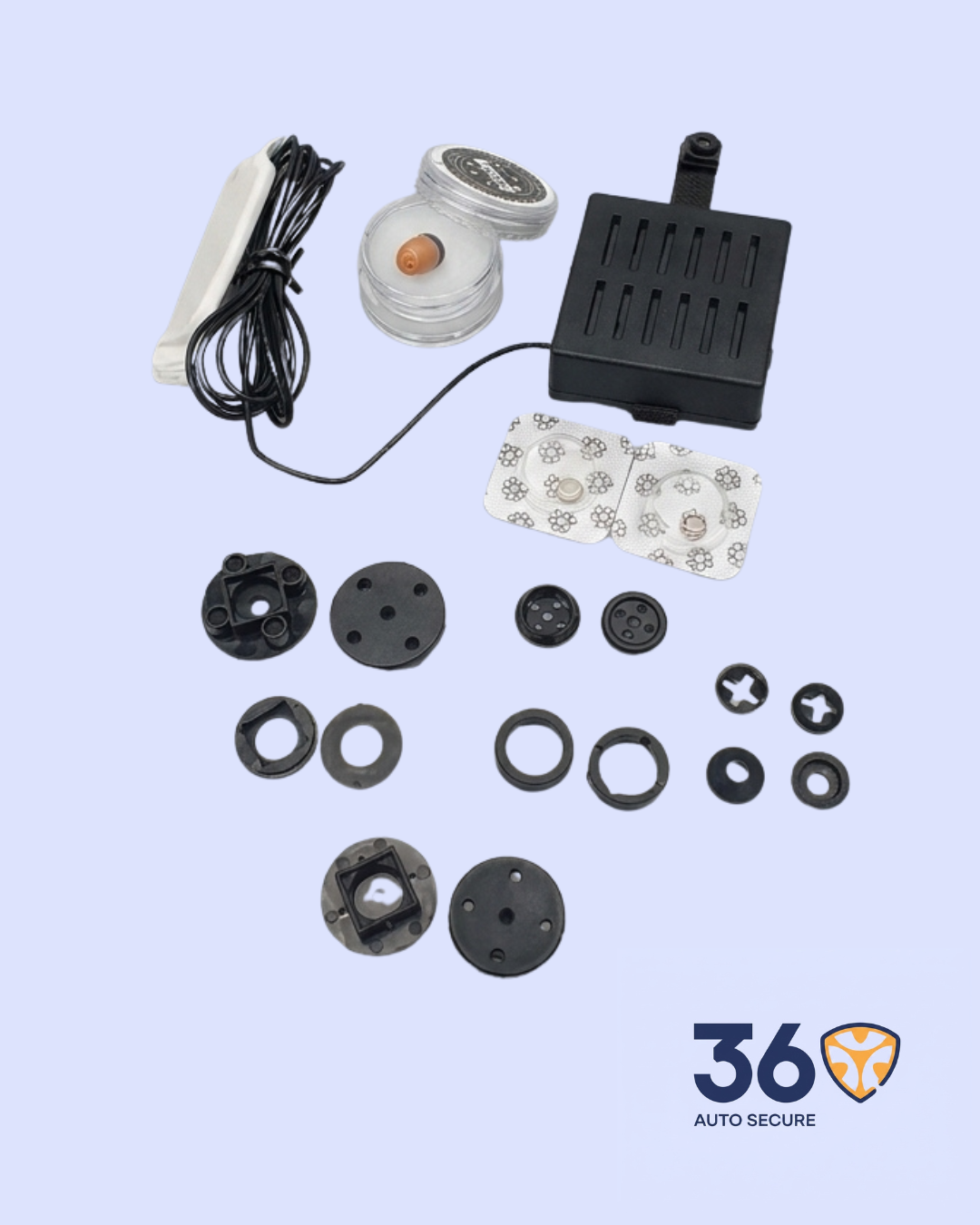
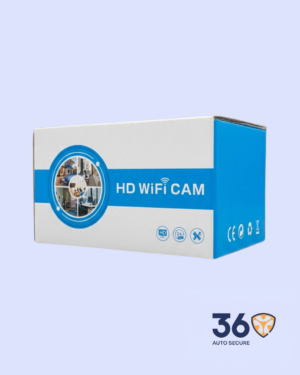
The WiFi Camera Module is a compact surveillance camera designed for mobile phone monitoring. It connects through WiFi and allows users to view live video, capture photos, record footage, and manage camera settings directly from the app. Its small lens and flexible cable design make it easy to position in tight spaces for indoor monitoring and security documentation where recording is permitted.
Key Features
- Compact Camera Design: Small lens module with flexible cable placement for discreet indoor
- WiFi App Connection: Connects to a smartphone through the mobile app for live monitoring and
- Remote Live Viewing: Displays real-time camera footage on the phone once the device is connected
- Video Recording: Supports recording through the app for saving important
- Photo Capture: Takes snapshots from the live camera view when quick image documentation is
- Adjustable Focus: The lens can be manually adjusted to improve image
- App-Based Settings: Users can manage camera functions, connection settings, recordings, and viewing options from the app.
Product Specifications
| Product Name | WiFi Camera Module |
| Category | Surveillance |
| Connection Type | WiFi / App Connection |
| Control Method | Mobile Phone App |
| Core Functions | Live View, Video Recording, Photo Capture, App Control |
| Camera Design | Mini Lens with Cable Module |
| Focus Control | Manual Focus Adjustment |
| App Support | Android / Mobile App Setup |
| Use Case | Indoor Monitoring and Security Documentation |
How It Works
Power the camera and connect it to the mobile app using the WiFi setup process.
Once connected, the camera displays live video on the phone. The user can adjust the camera angle and focus manually until the image is clear.
From the app, users can record video, take photos, review available footage, and manage camera settings.
Important Notes
- Use a stable WiFi connection for smoother live
- Adjust the camera focus manually for clearer image
- Make sure the device is powered properly before
- Install the recommended app and follow the pairing steps
- Use the camera responsibly and only in places where recording is




Reviews
There are no reviews yet.