


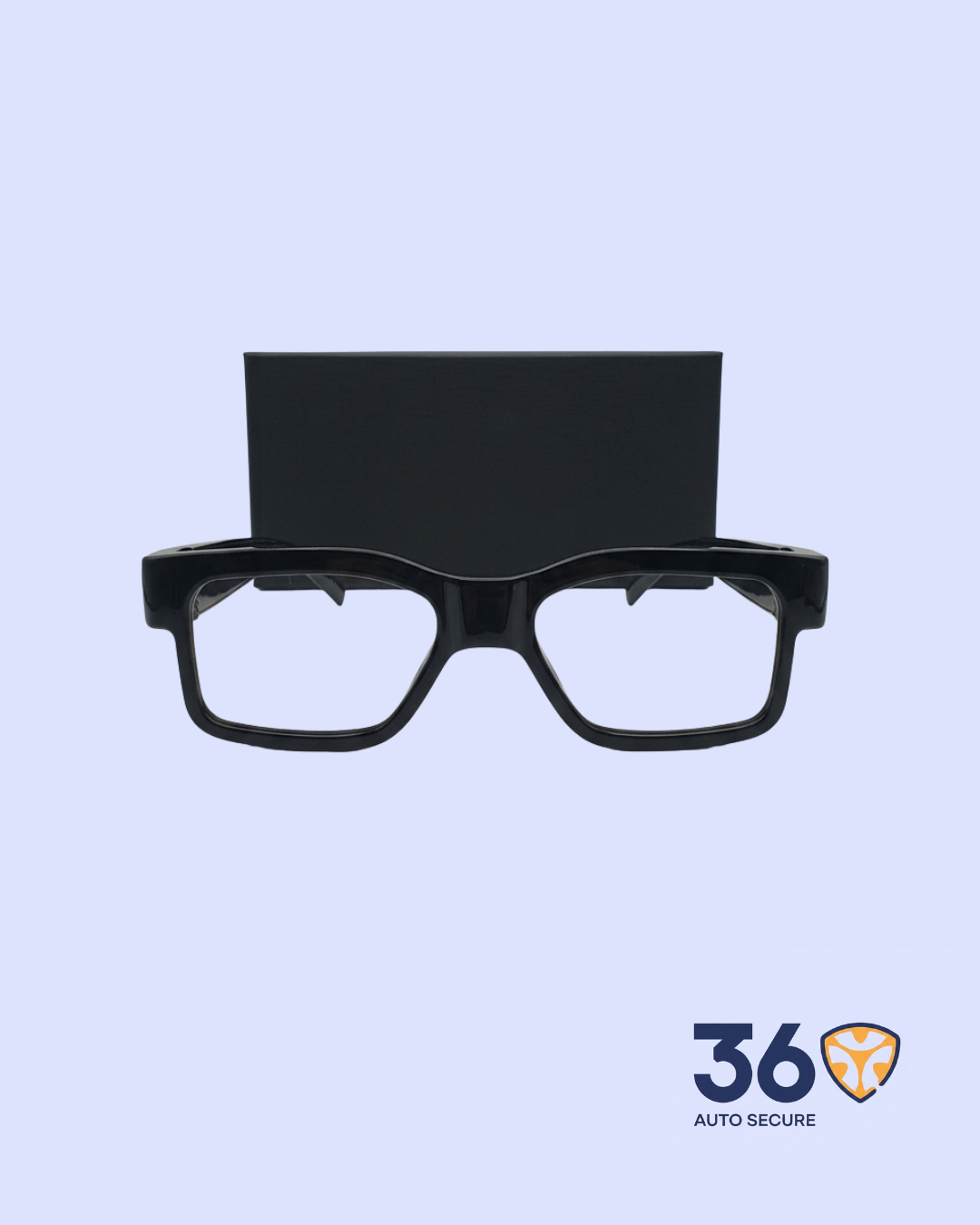
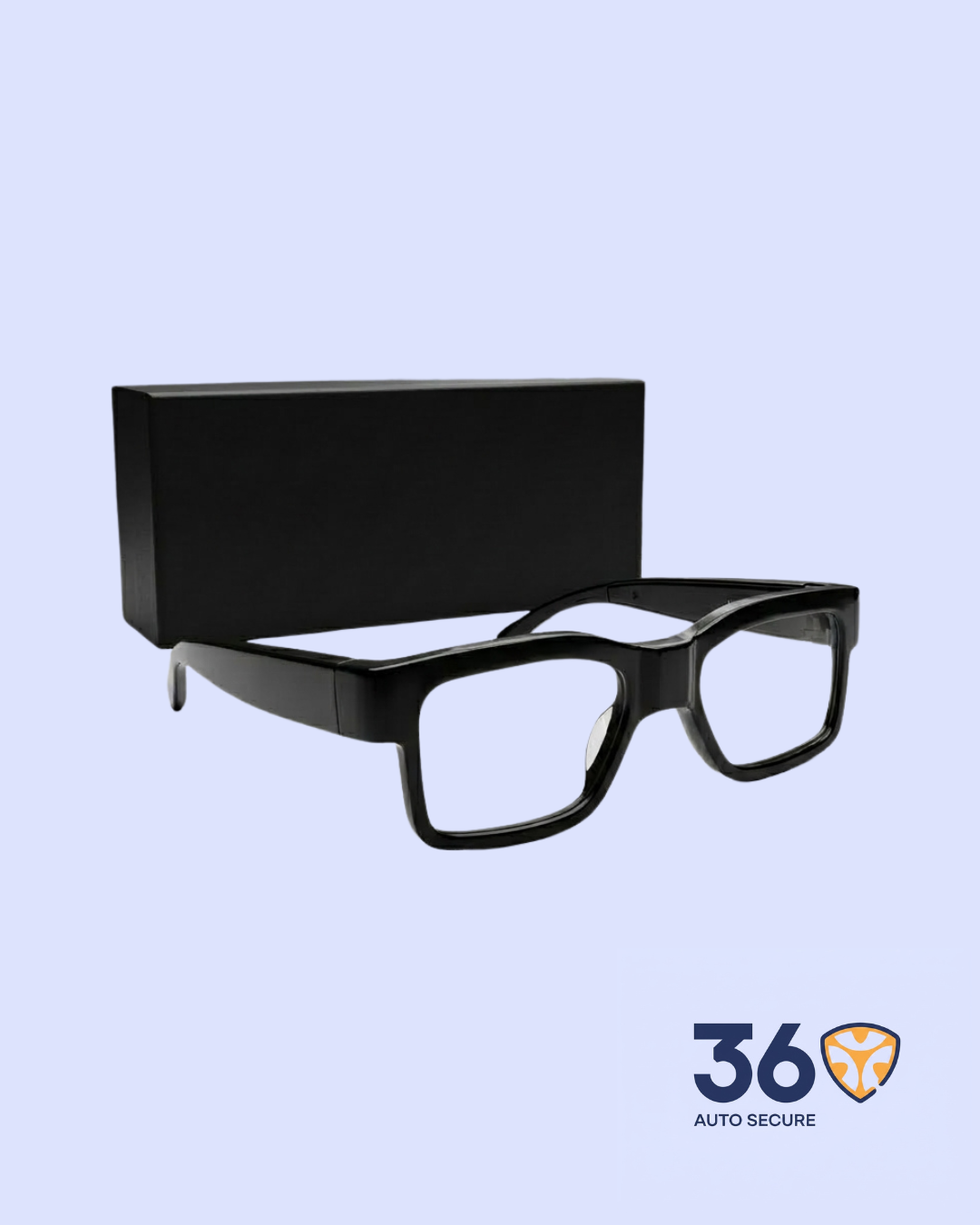
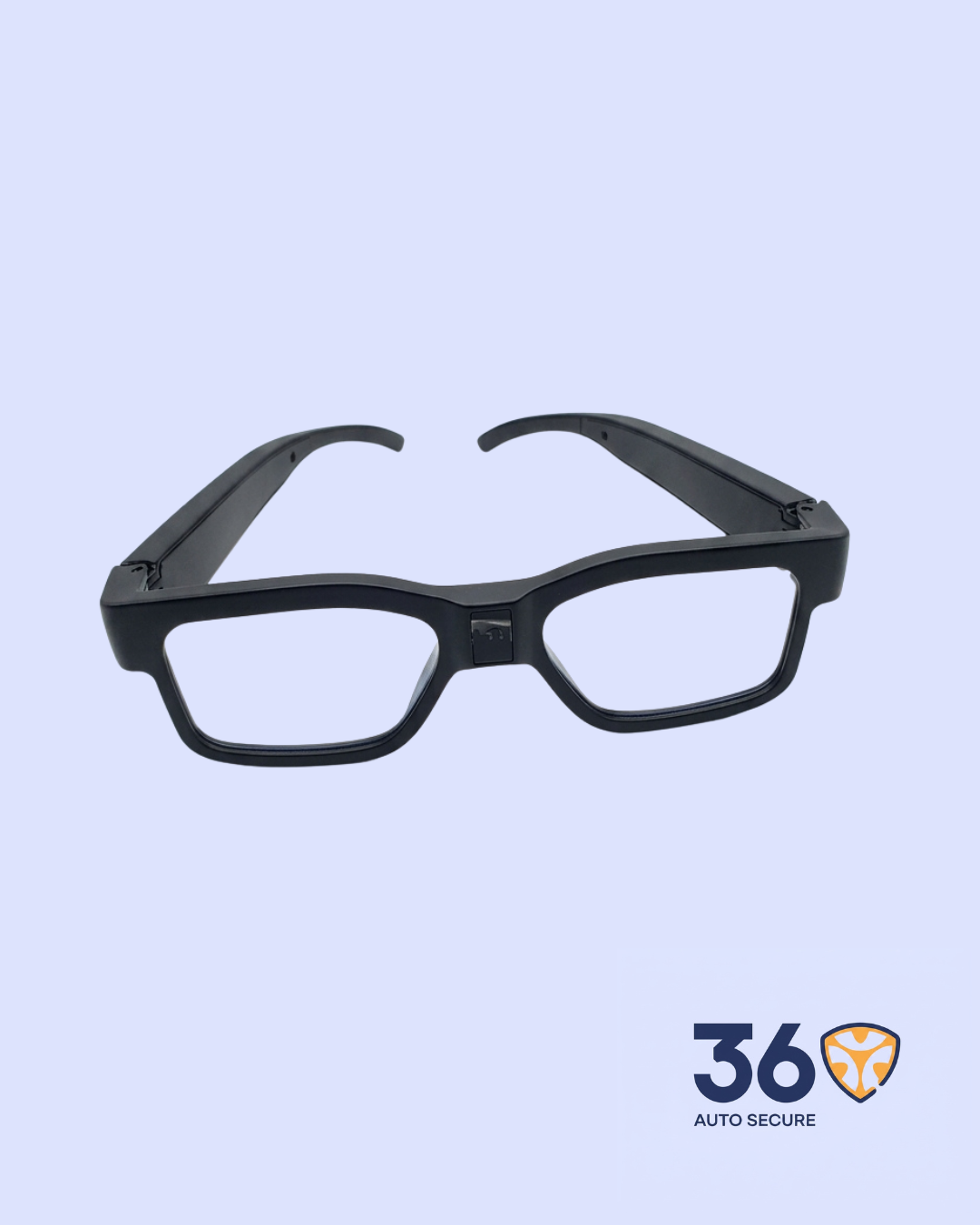
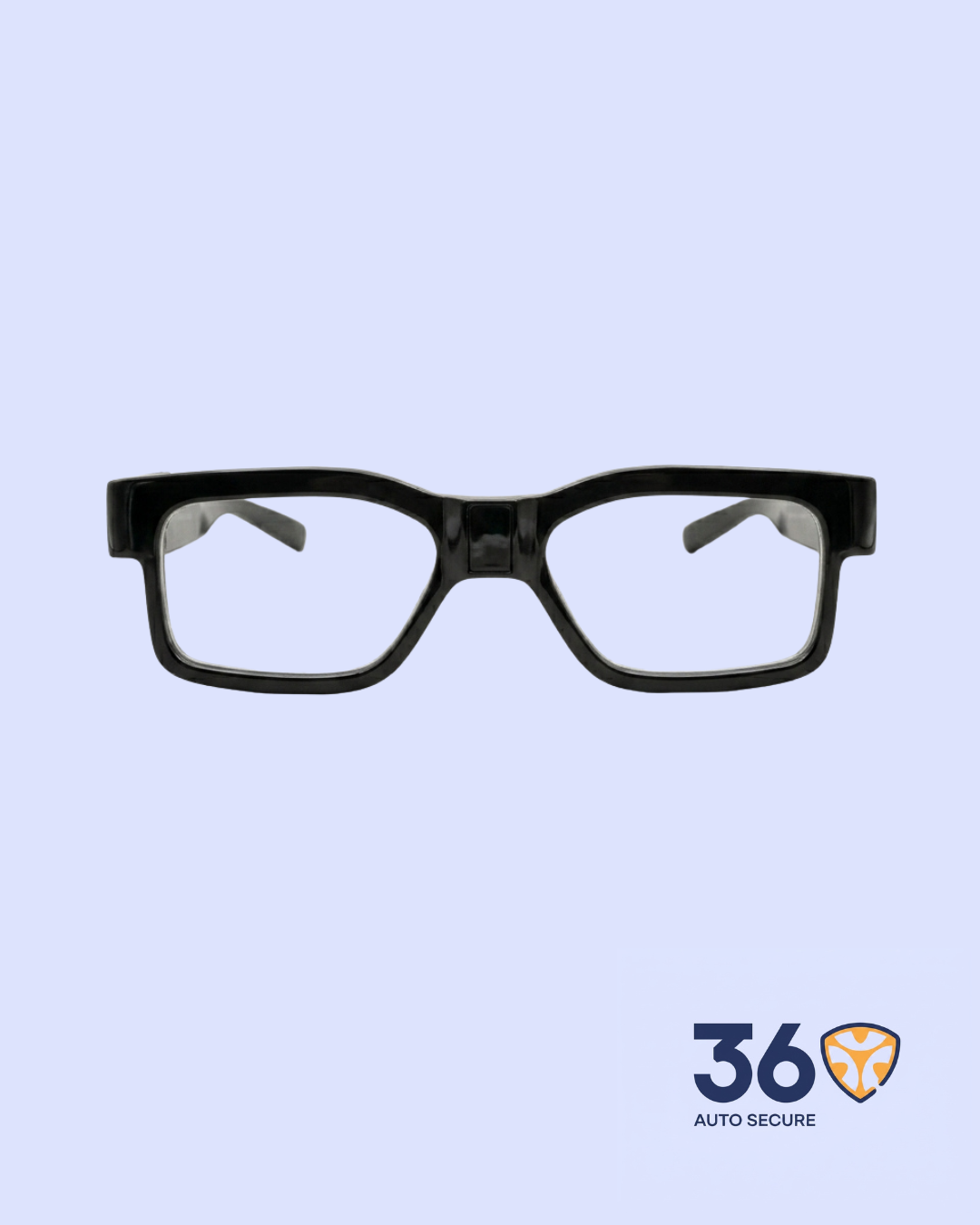
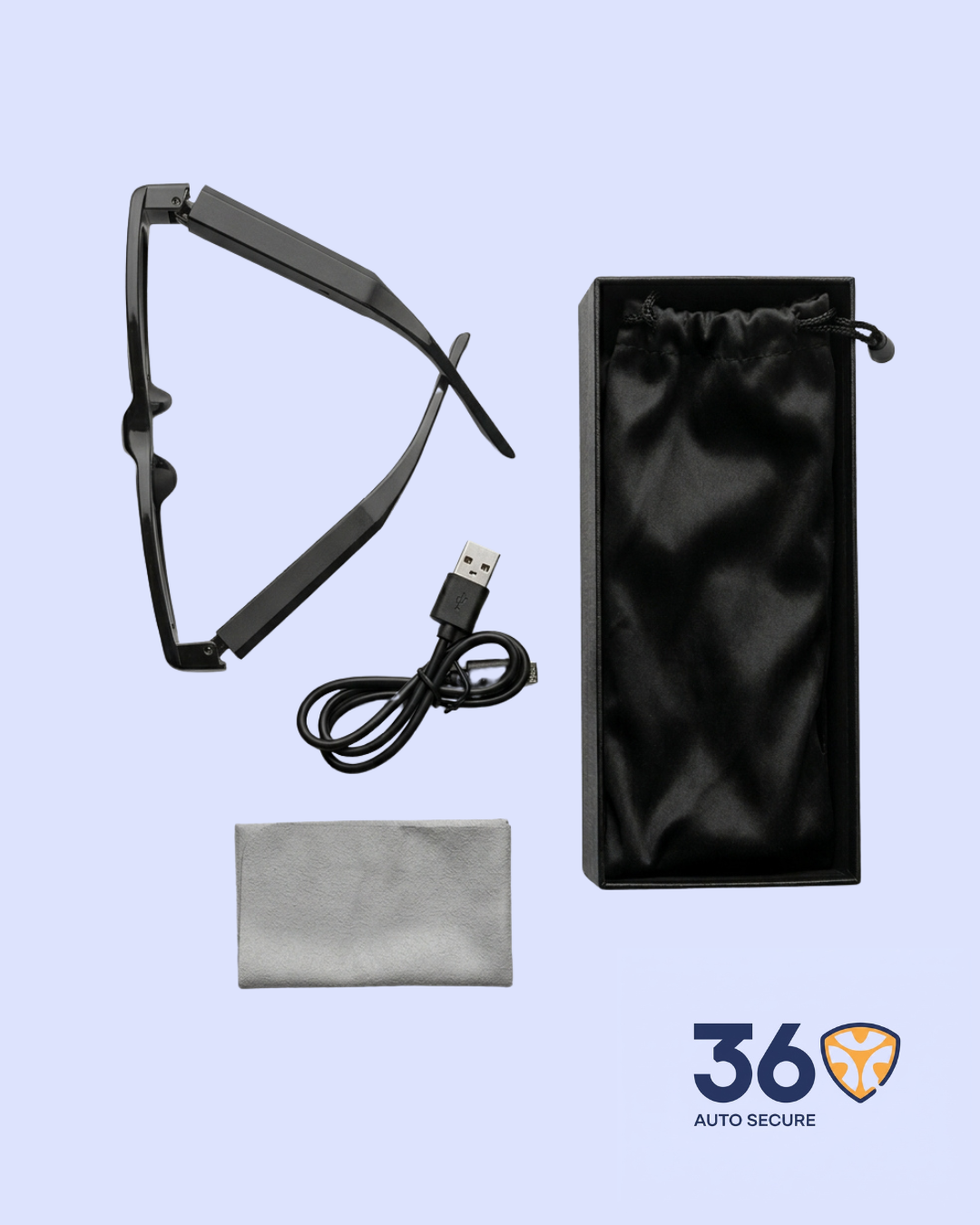
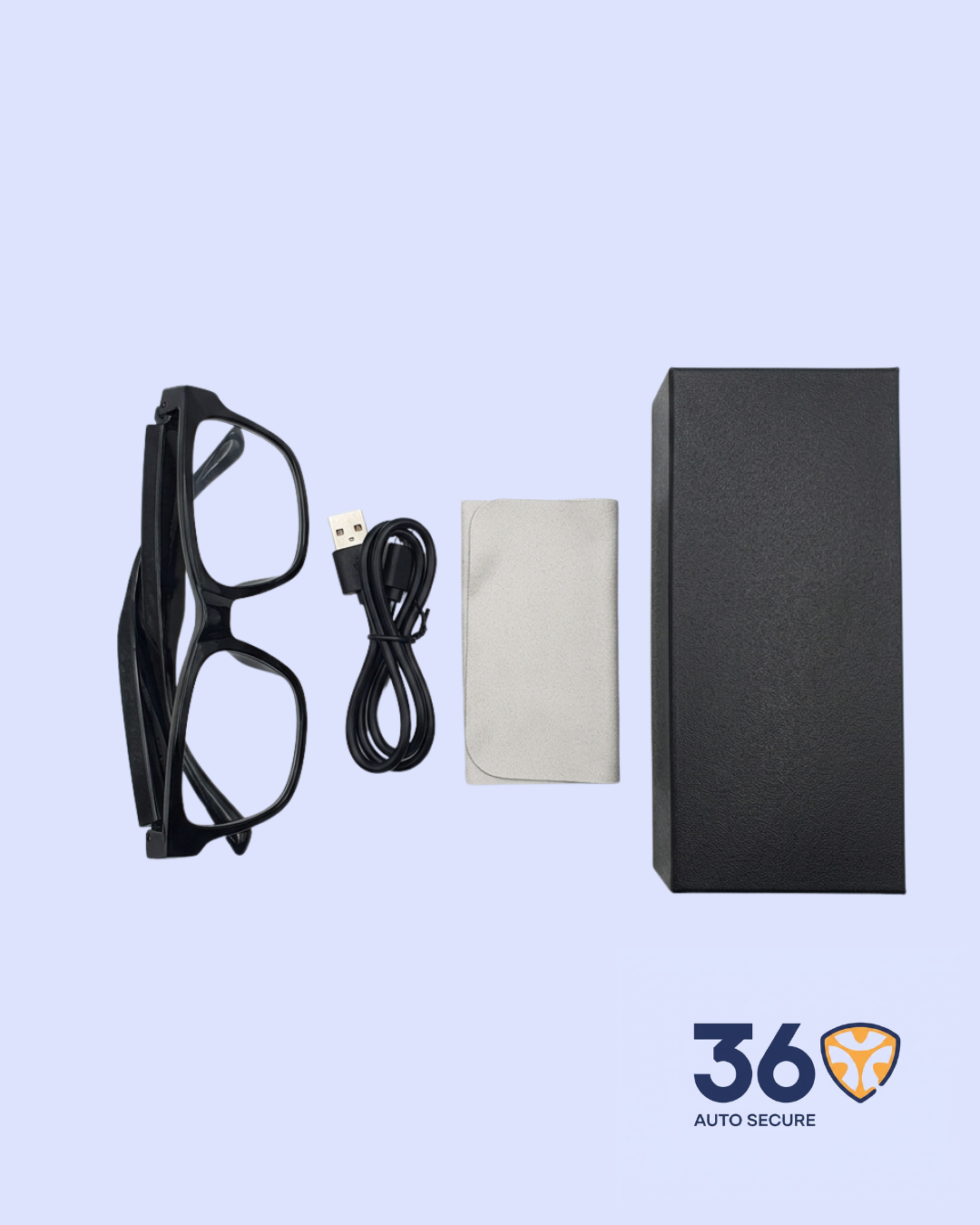
The HD Camera Glasses are wearable surveillance glasses designed with a built-in digital camera for discreet hands-free recording. They look like regular glasses while offering HD video recording, photo capture, night vision support, TF card storage, and USB file transfer.
This device is suitable for field work, interviews, inspections, personal documentation, and security monitoring where recording is legally permitted.
Key Features
- Wearable Glasses Design: Built like everyday glasses, allowing hands-free recording without carrying a separate camera.
- HD Video Recording: Captures video in 1920 x 1080 resolution for clear and useful footage.
- Photo Capture: Takes still images for quick documentation when needed.
- Night Vision Support: Helps with recording in low-light conditions.
- TF Card Storage: Supports external TF memory cards up to 256GB for saving videos and photos.
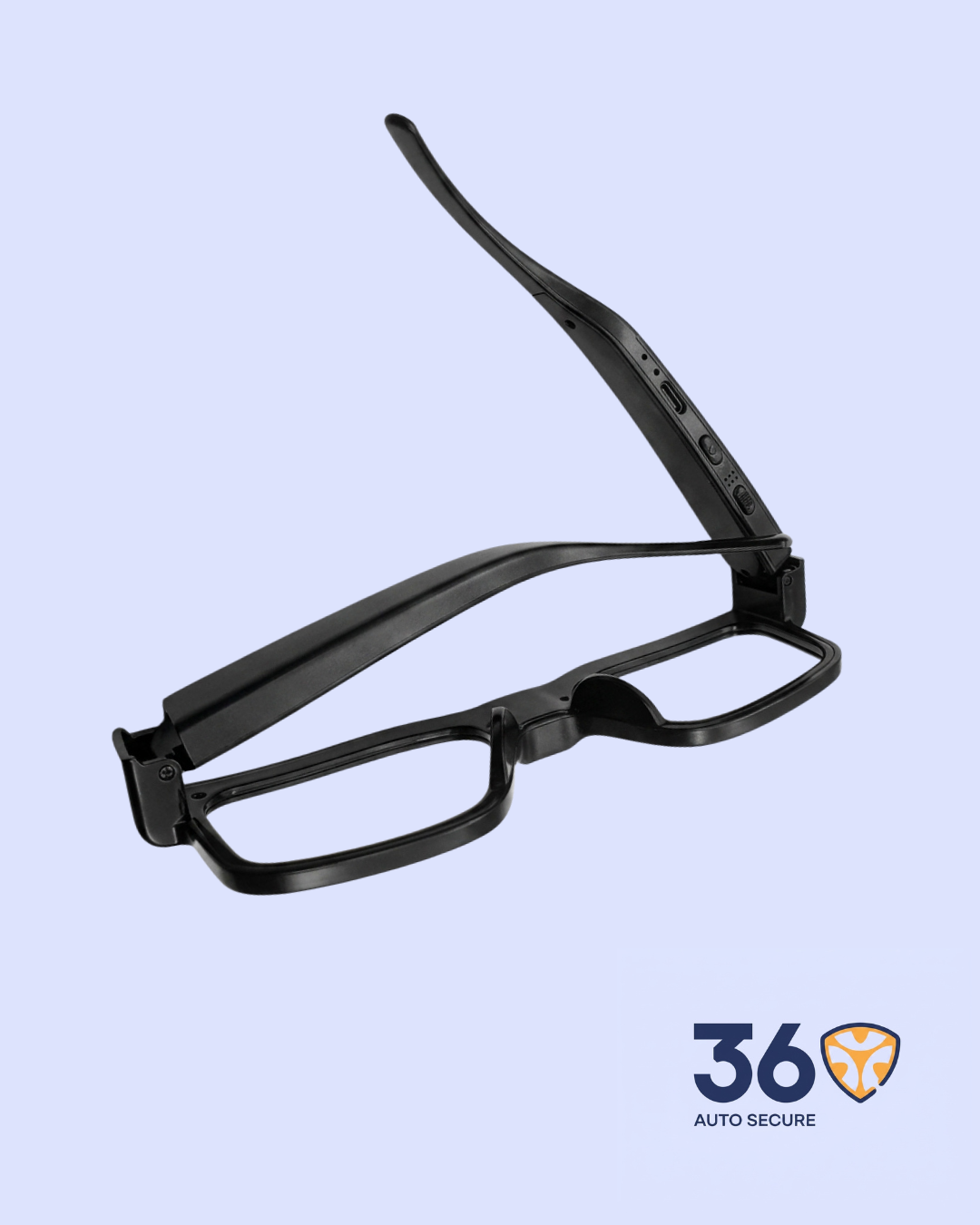
- USB Charging and File Transfer: Connects to a computer for charging, file access, and transfer.
- Portable and Practical: Lightweight design makes it easy to carry, wear, and use in different environments.
Product Specifications
| Product Name | HD Camera Glasses |
| Category | Surveillance |
| Video Format | AVI |
| Video Coding | M-JPEG |
| Video Resolution | 1920 x 1080 |
| Photo Format | JPG |
| Photo Resolution | 3264 x 2448 |
| Frame Rate | 30fps |
| Supported Systems | Windows / Mac OS / Linux |
| Memory Support | TF Card up to 256GB |
| Battery Capacity | 220mAh |
| Working Time | About 150 minutes |
| Charging / Transfer Port | Type-C / USB |
| Functions | Video Recording, Photo Capture, Night Vision, Time Setting, Reset |
How It Works
Insert a TF memory card before use and charge the glasses fully. Press and hold the power button to turn the device on, then use the control buttons to switch between recording modes.
The indicator light shows the working status, including standby, recording, photo mode, night vision, and file-saving mode.
After recording, connect the glasses to a computer through the USB cable to view, copy, or manage saved videos and photos.
Important Notes
- Insert and format the memory card before first use.
- Do not remove the memory card while files are saving.
- Avoid pointing the camera directly at strong sunlight.
- Charge the device fully before long recording sessions.
- Use the product responsibly and only in places where recording is allowed.




Reviews
There are no reviews yet.