
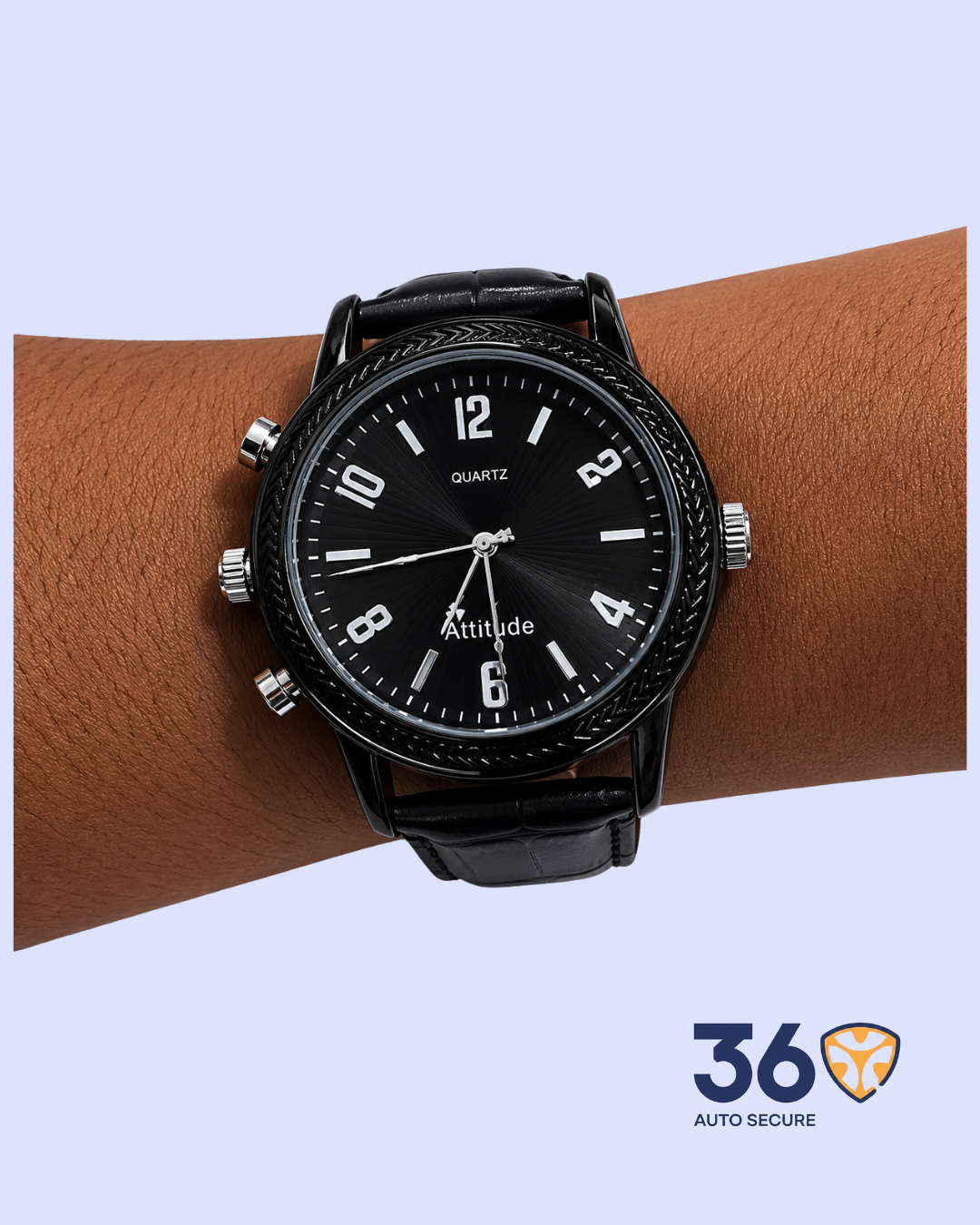
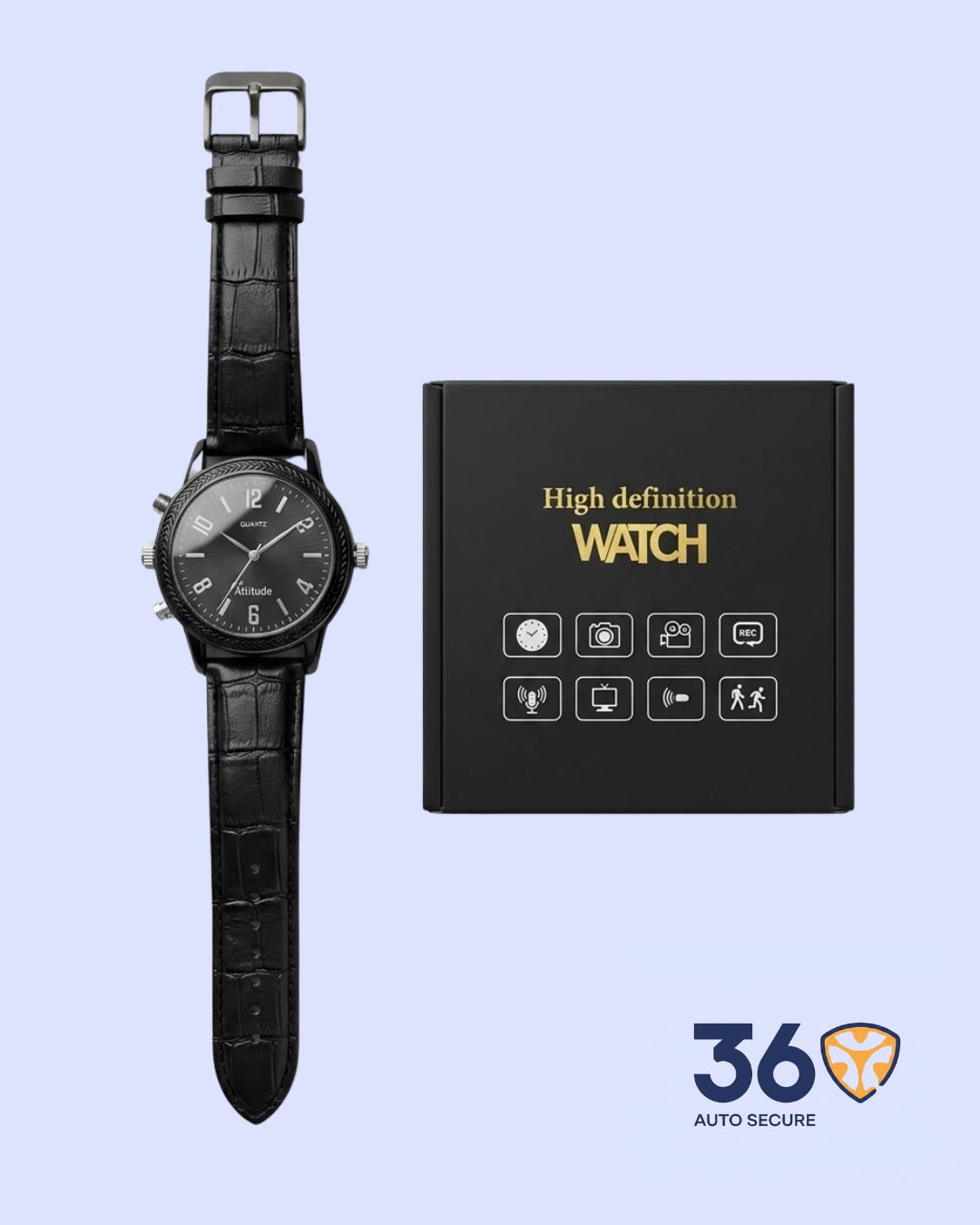
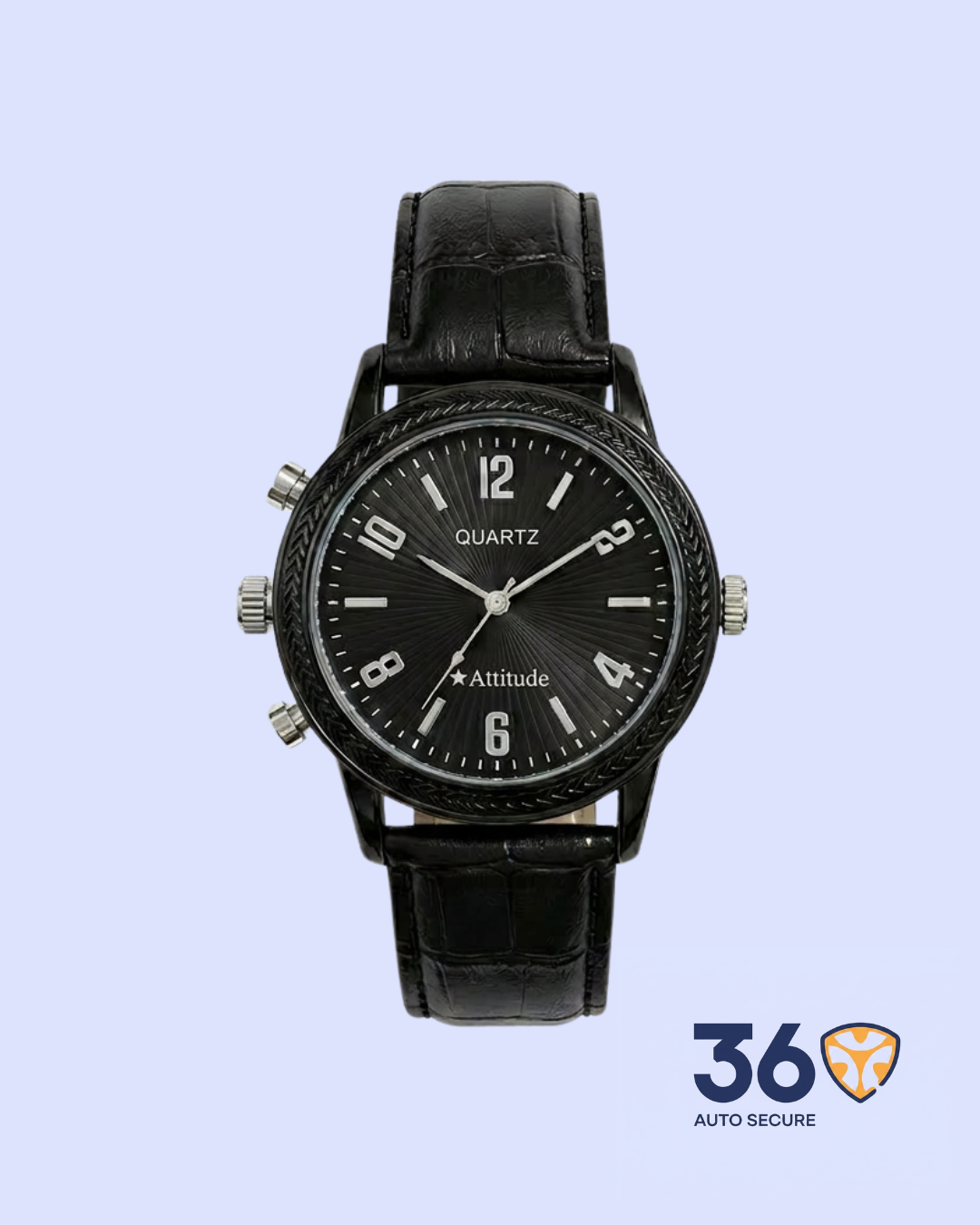
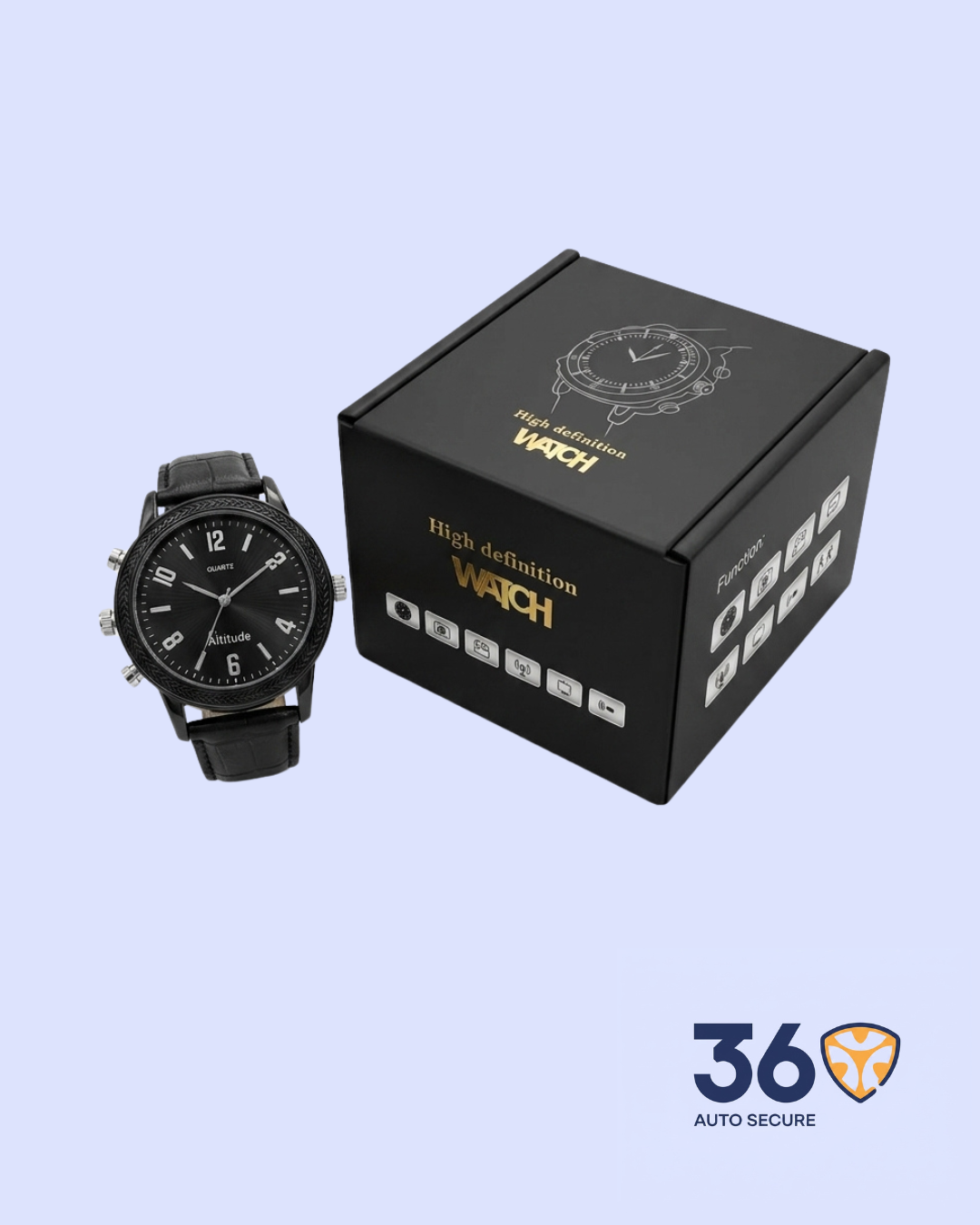
The Digital Watch Recorder is a smart wearable surveillance device designed to look like a regular wristwatch while offering hidden video recording, photo capture, audio recording, and USB file transfer. It is compact, easy to wear, and suitable for discreet documentation in places where recording is legally permitted.
This device combines the normal appearance of a wristwatch with practical recording functions, making it useful for meetings, interviews, field inspections, security checks, and personal record keeping.
- Discreet Wristwatch Design: Designed like a regular wristwatch, making it easy to wear daily without attracting attention.
- HD Video Recording: Records clear video in multiple resolutions, including 1920 x 1080, 1280 x 720, and 640 x 480, giving users flexible recording options.
- Photo Capture Function: Takes clear still photos with high-resolution image output, suitable for quick
- Audio Recording: Supports voice recording in WAV format, making it useful for meetings, interviews, lectures, and other audio documentation.
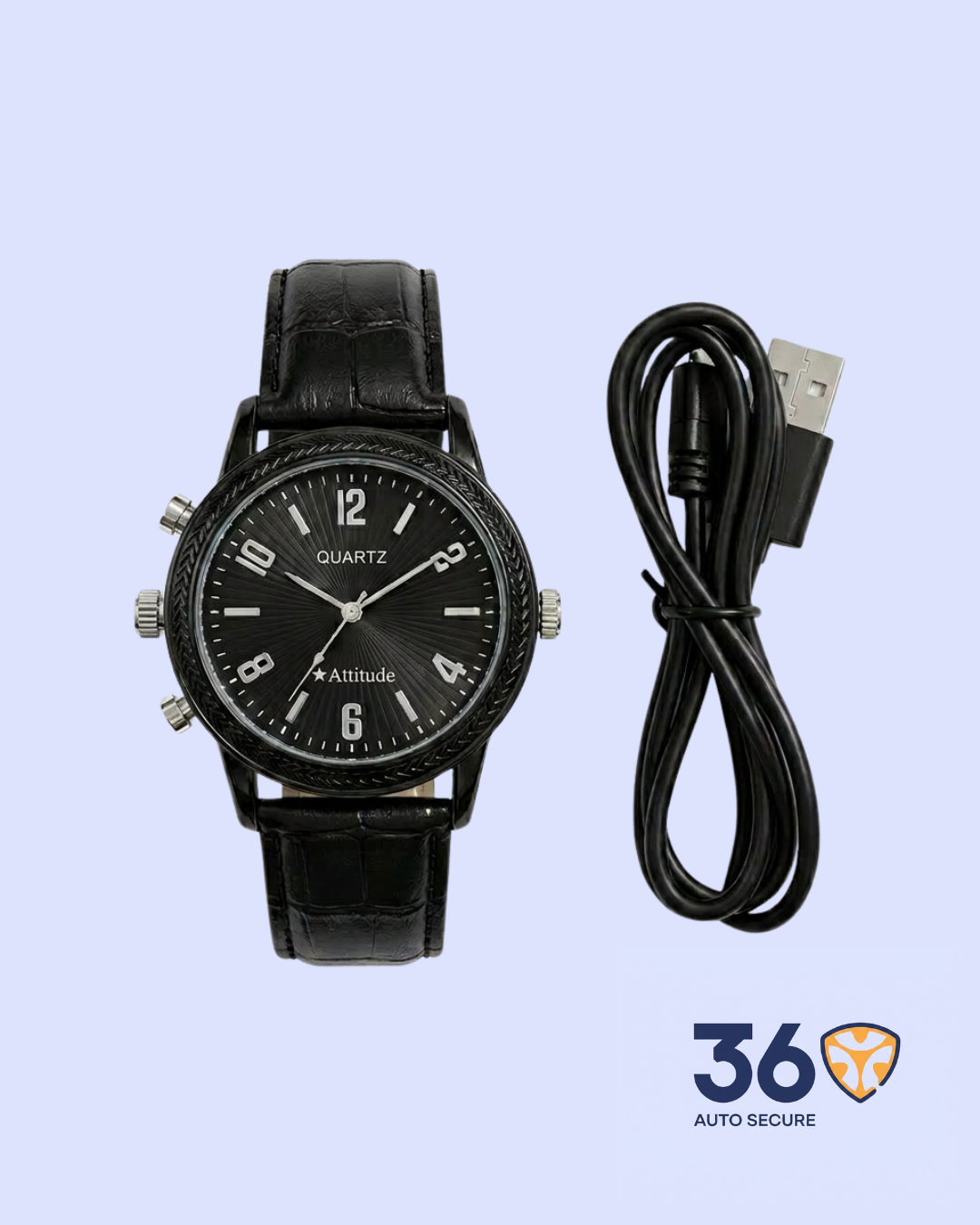
- USB File Transfer: Recorded videos, photos, and audio files can be transferred to a computer using the USB cable.
- Time and Date Watermark: Supports time and date watermark settings, helping users organize and identify recorded files more easily.
- Multi-Mode Operation: Supports video recording, photo capture, audio recording, and file transfer functions in one portable device.
- Wide Device Compatibility: Works with common computer systems including Windows, Mac OS, and Linux for file access and transfer.
Product Specifications
| Product Name | Digital Watch Recorder |
| Category | Surveillance |
| Video Format | AVI |
| Photo Format | JPG |
| Audio Format | WAV |
| Video Resolution | 1920 x 1080 / 1280 x 720 / 640 x 480 |
| Photo Resolution | 4032 x 3012 |
| Frame Rate | About 30fps |
| Minimum Illumination | 1 LUX |
| IR Switch | Automatic |
| USB Type | Mini 8-pin USB 2.0 |
| Supported Systems | Windows ME / 2000 / XP / Win 7 / 2003 / Vista, Mac OS, Linux |
How It Works
Charge the watch fully before use. Once powered on, the device can be switched between video recording, photo capture, and audio recording modes using the control buttons. Indicator lights show the current status of the device, including standby, recording, and file-saving mode.
After recording, connect the watch to a computer using the USB cable to view, copy, or manage saved files. The time and date watermark can also be adjusted through the computer when needed.
Important Notes
- Use the supplied USB cable for charging and file
- Make sure the device is fully charged before long recording
- Do not disconnect the device while files are being
- Keep the camera lens clean for better image
- Use the product responsibly and only in places where recording is



Reviews
There are no reviews yet.