
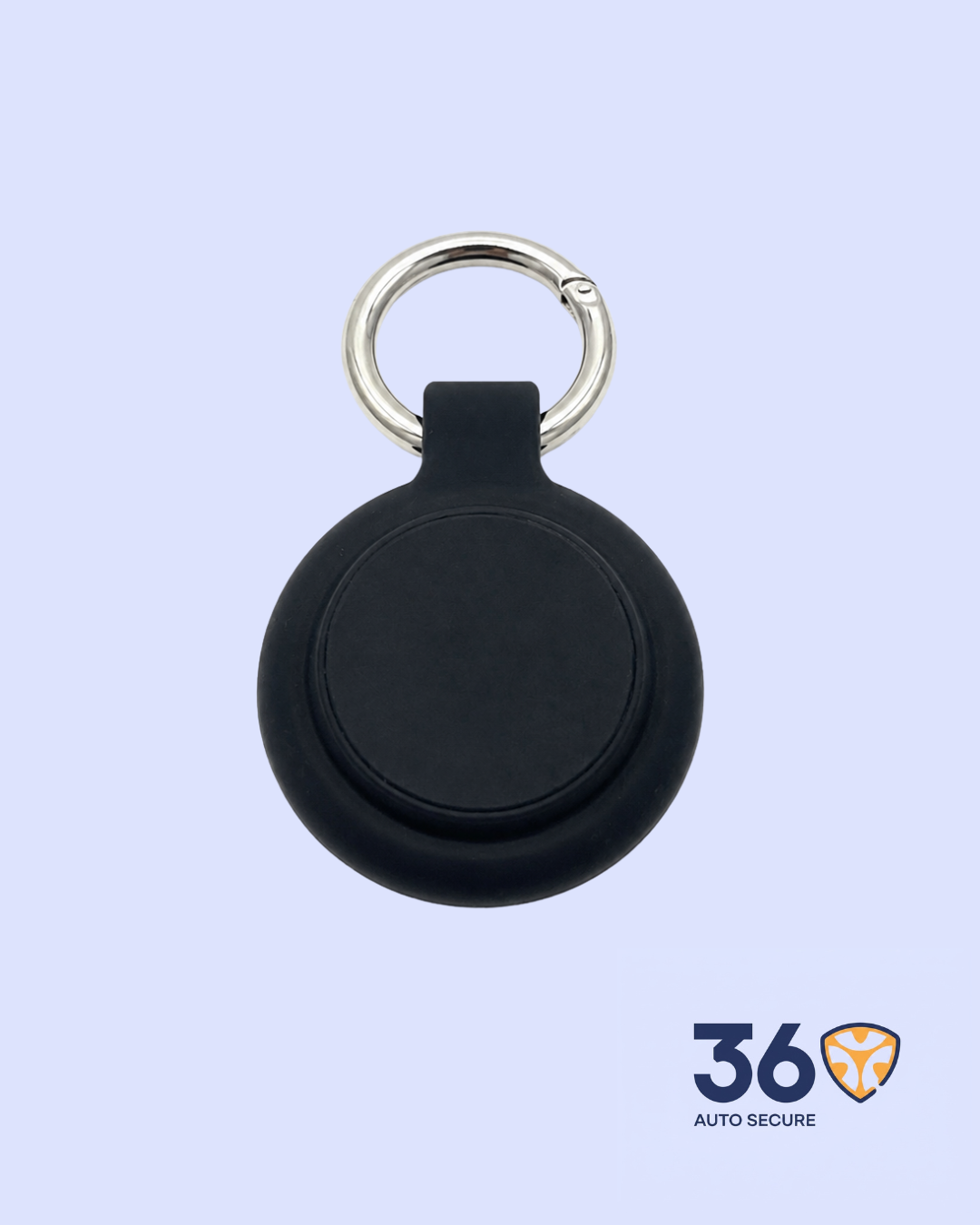
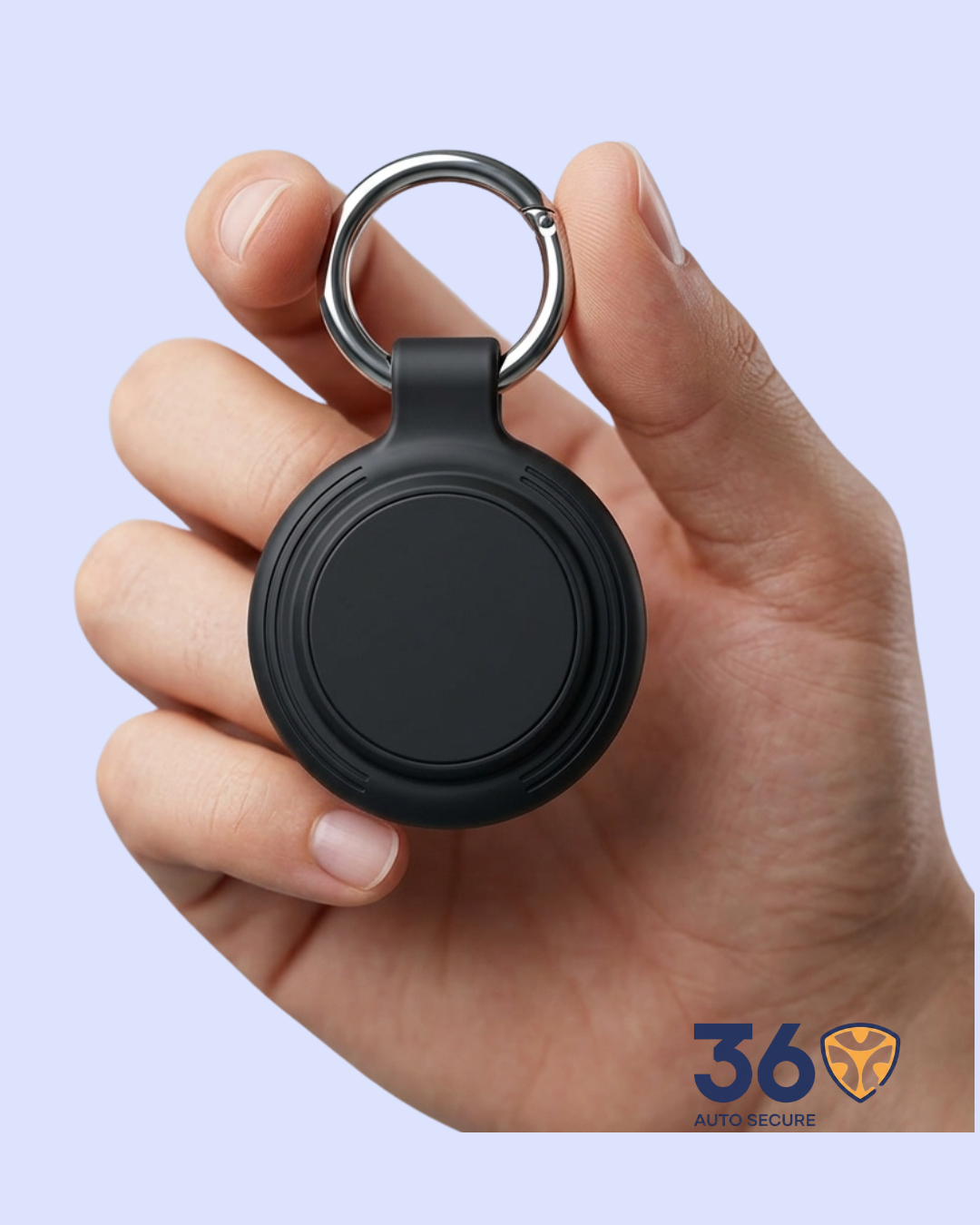
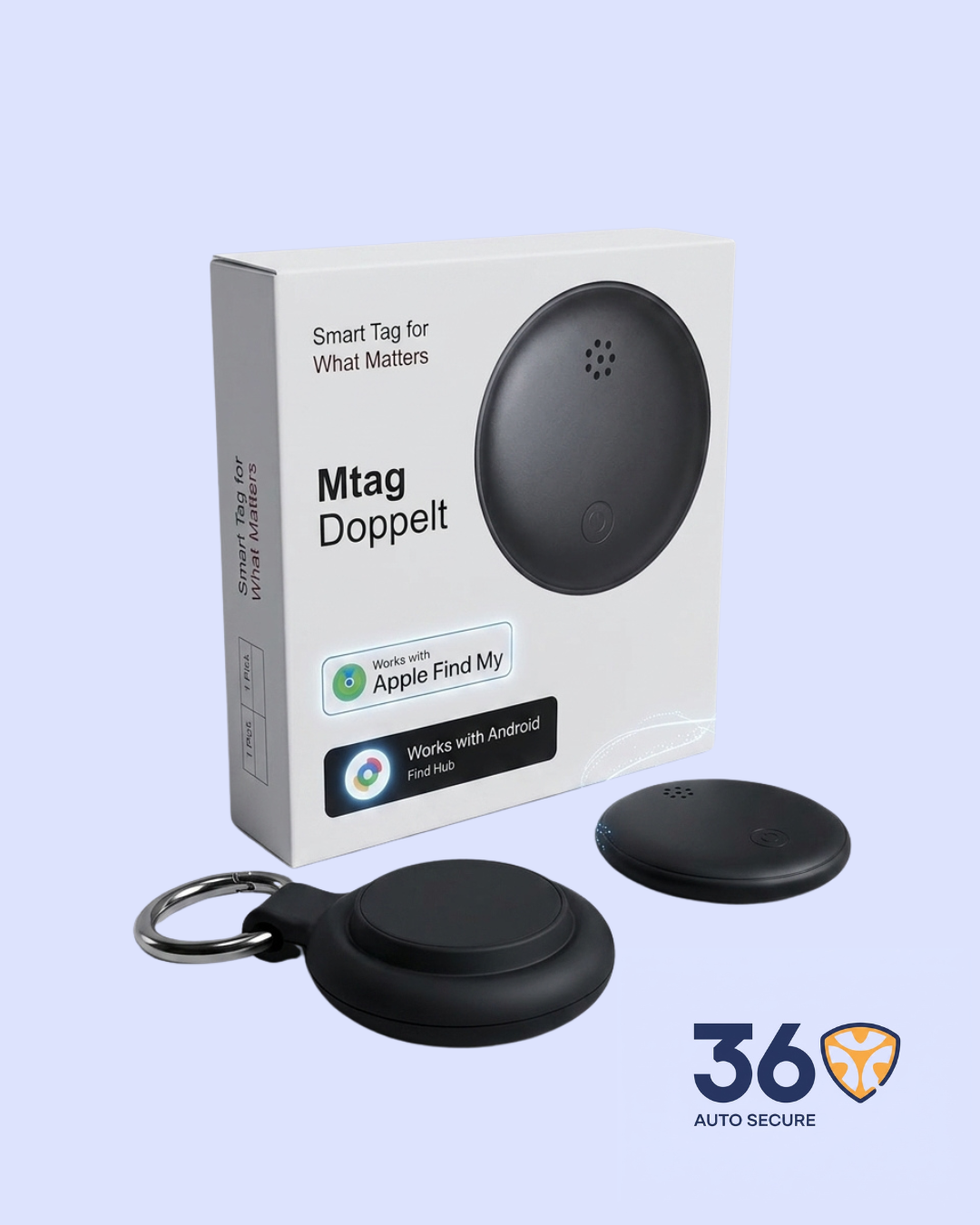

The Mtag is a small tracking tag, about the size of a coin, that you attach to your personal belongings, or any item you don’t want to lose; keys, bags, wallets, luggage, or even a child’s school bag. Once it’s set up, the owner can open the Apple Find My network and/or Google’s Find Hub on their phone and see exactly where that item is on a map in real time.
It requires no SIM card, no monthly subscription, and no dedicated app. It works silently in the background using the Bluetooth signals of nearby phones.
How It Works
The Mtag sends out a quiet Bluetooth signal all the time. Whenever any phone (iPhone or Android) passes nearby, it picks up that signal and quietly sends the location to the owner through the Find My or Find Hub network. The owner can then see the item’s location on a map at any time.
Key Features
- Dual Network Compatibility — Works with both Apple Find My (iPhone) and Google Find Hub (Android). No SIM card required.
Note: can only be active on one network at a time; switching requires a device reset.
- No Dedicated App Needed — It uses nearby phones to report its location.
- Up to 1 Year Battery Life — Runs continuously for up to one full year.
- Always Active Tracking — Works as long as there’s a phone nearby.
- Very light — Only 10 grams. You won’t even feel it on your bag or keys.
Setup Guide for Customers
Before Starting
Ensure Bluetooth is enabled on the phone. An active internet connection (Wi-Fi or cellular) is required.
Setting Up with an Android Device (Google Find Hub)
- Power on the Mtag: long-press the button until a ringtone is heard.
- Place the Mtag near the Android device.
- Wait for a pop-up notification to appear on screen.
- Follow the on-screen instructions to complete setup.
- After setup, the Mtag will appear in the Google Find Hub app.
Important: Pairing must be completed within 10 minutes. If it times out, reactivate by opening and closing the battery cover until it beeps, then restart.
Setting Up with an Apple Device (Google Find Hub)
- Power on the Mtag: long-press the button until a ringtone is heard.
- Scan the QR code on the packaging to open Find My automatically, OR open the Find My app manually.
- Tap the Items tab, then tap Add Item, then choose Other Supported Item.
- The app will search for the Mtag, when it appears, follow the on-screen instructions to finish setup.
- The Mtag will now appear in your Find My Items list.
To switch it off: Quickly press the button 5 times until you hear a sound.
How to Reset it
Double-click the button (you’ll hear a beep), then long-press and hold until you hear a ringtone.
That means it’s been reset. If it was already paired to a phone, the customer must remove it from the app first before resetting, and then re-pair it after resetting.
Common Questions Customers May Ask
- “Does it need a SIM card?” — No. It works through nearby phones. No SIM, no data plan, no extra fees.
- “Does it work in Nigeria?” — Yes. It works anywhere there are phones around.
- “What phone does it work with?” — Both iPhone and Android.
- “How long does the battery last?” — Up to one year.



Reviews
There are no reviews yet.