
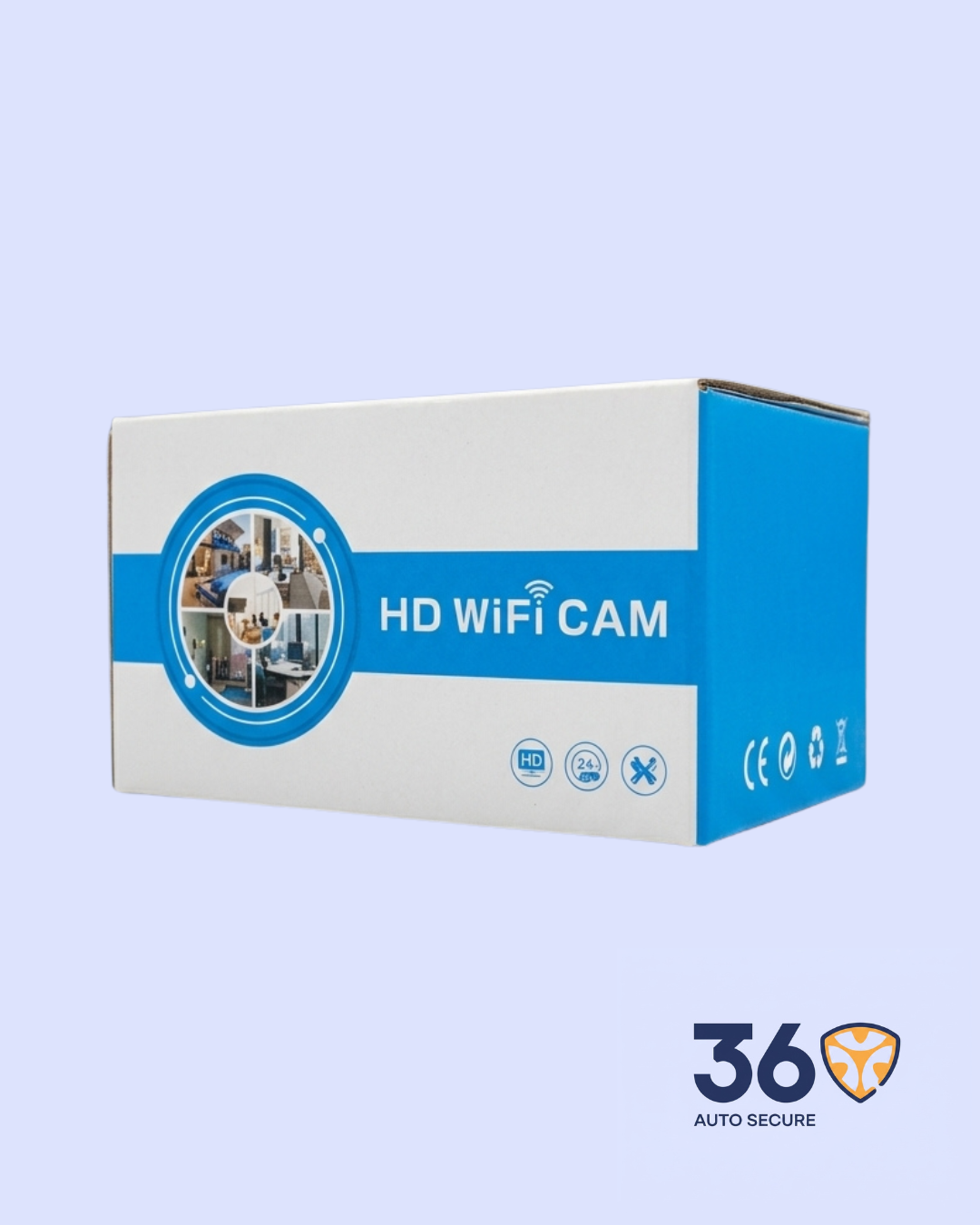
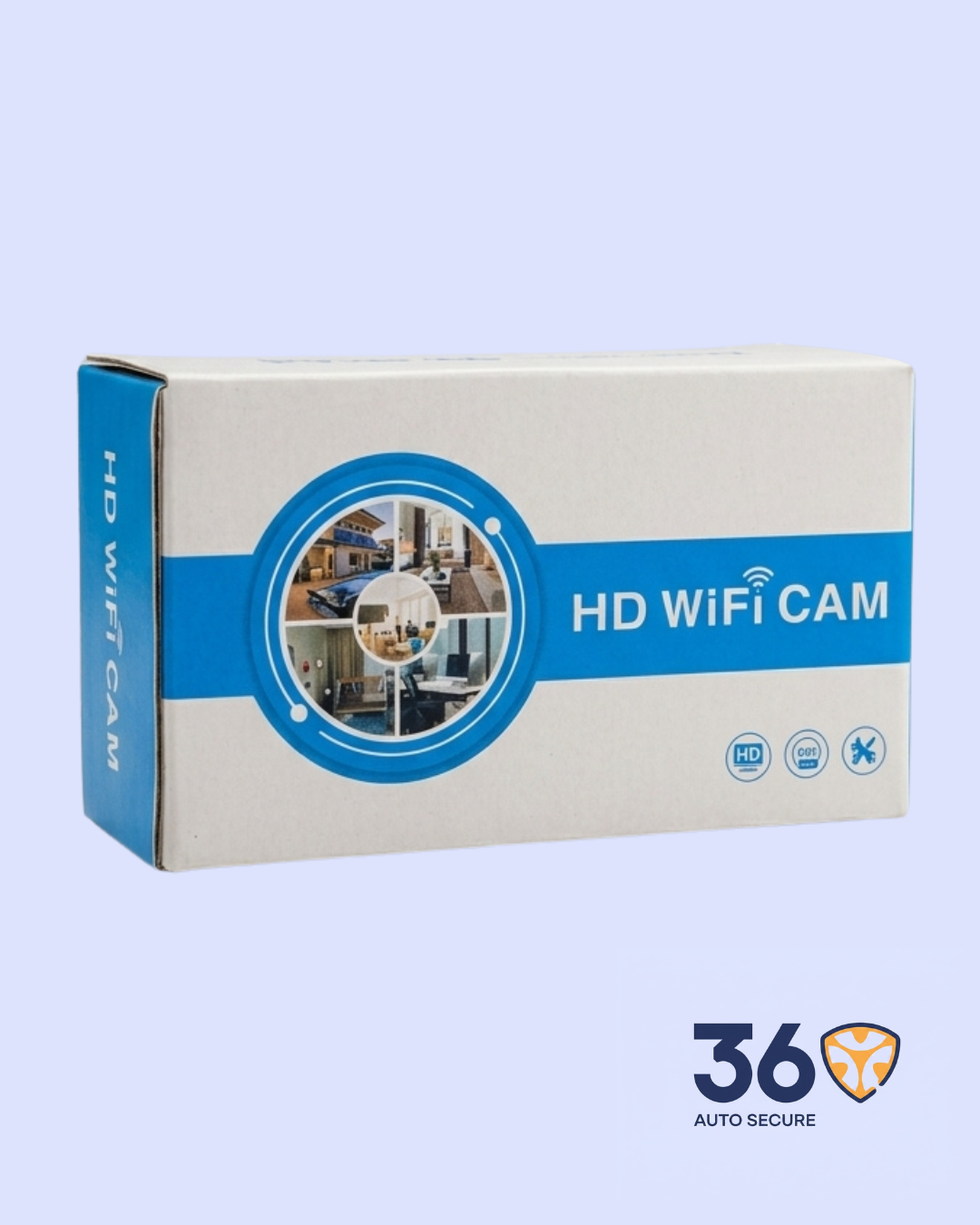
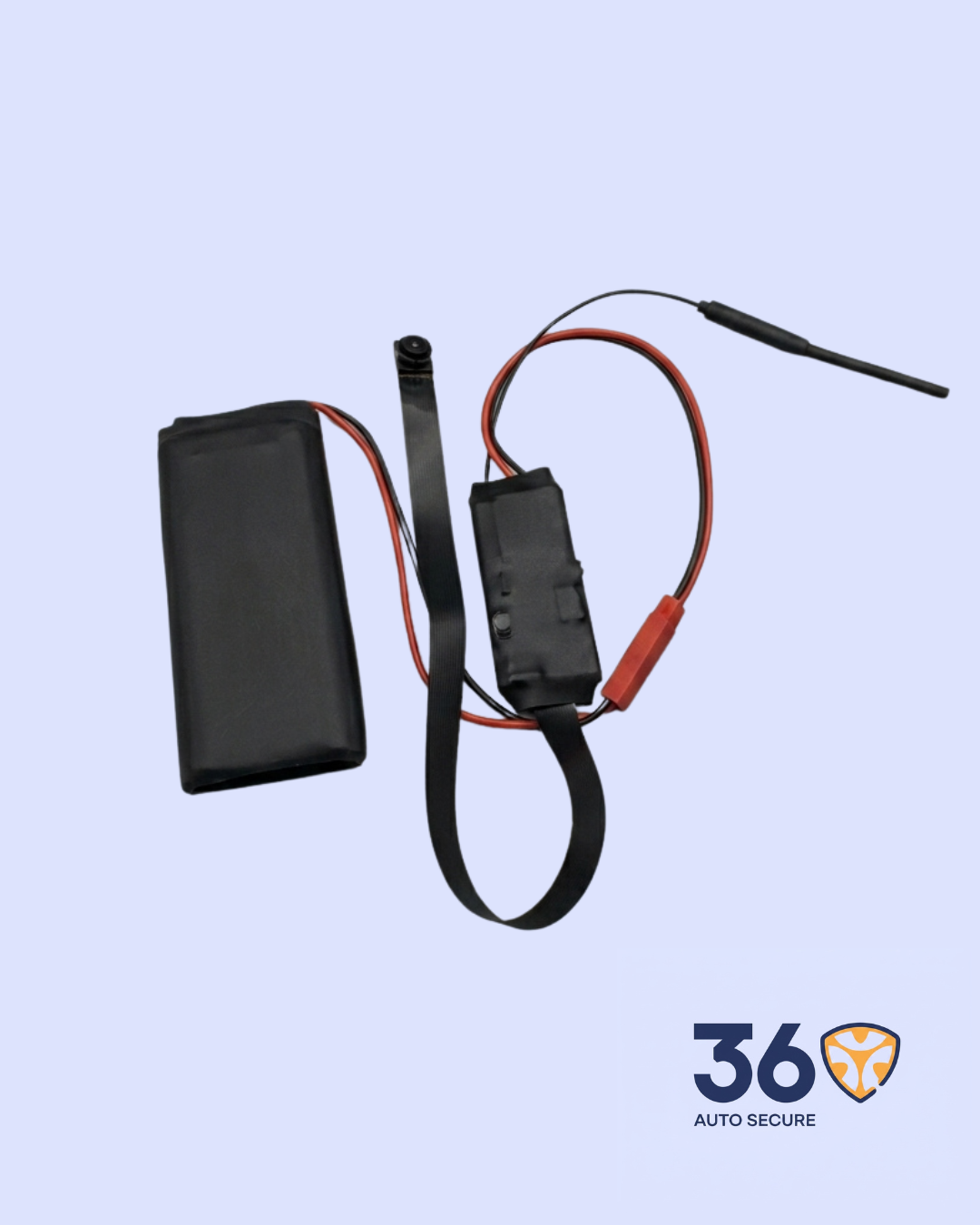
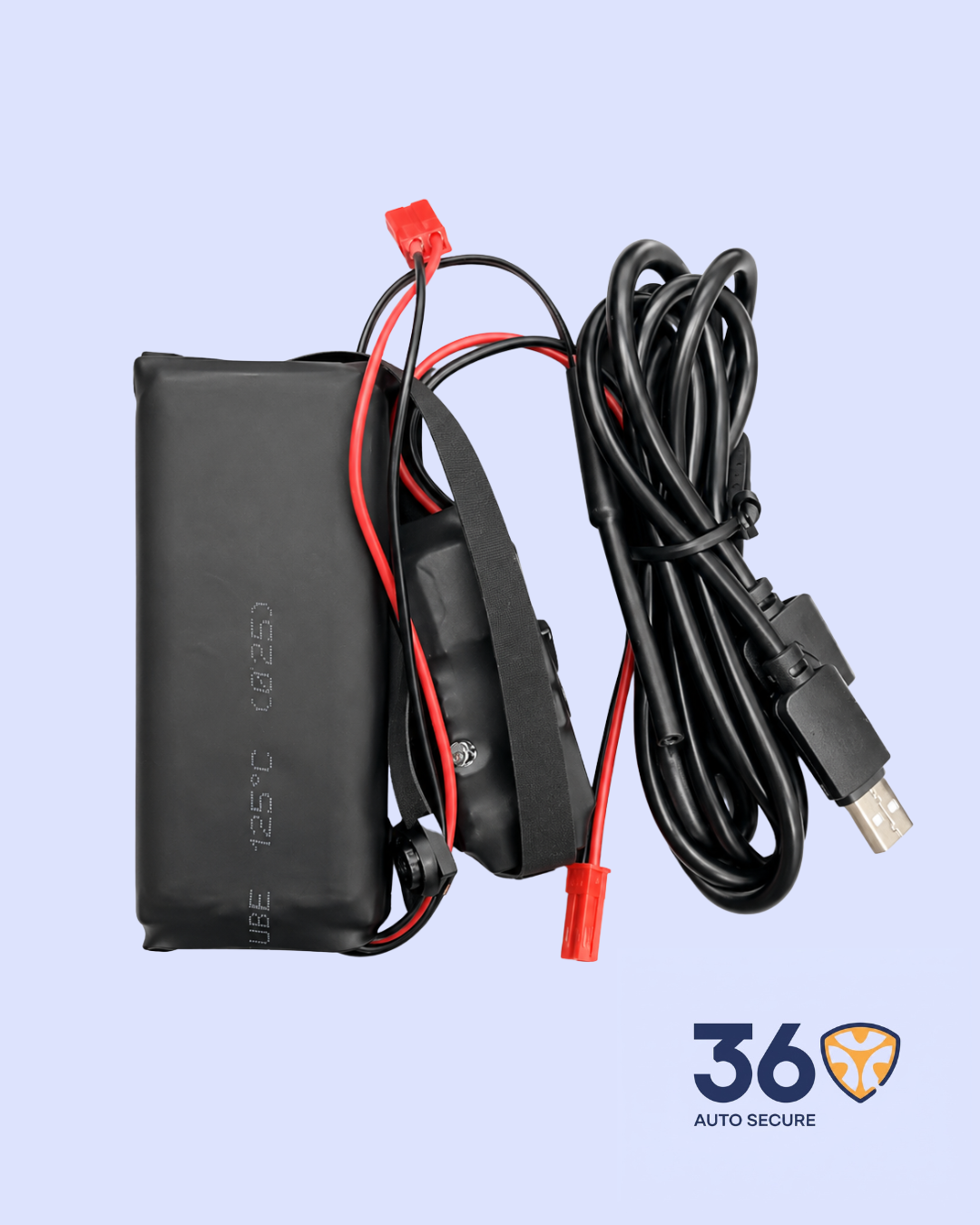
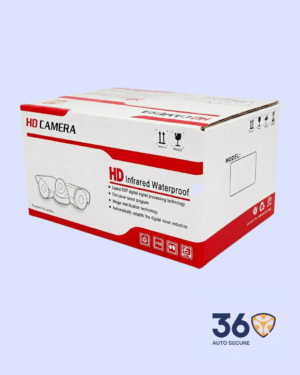

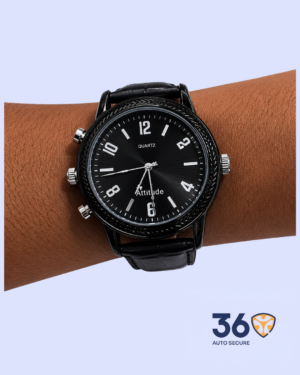
The 1080P Remote Wireless Camera is a compact surveillance camera designed for real-time monitoring through a mobile phone. It supports WiFi connection, remote viewing, video recording, motion detection, and TF card storage, making it suitable for indoor security monitoring and personal documentation where recording is permitted.
Key Features
- 1080P HD Video Quality: Records clear video with resolution options including 1080P, 720P, 640P, and
- Remote Live Viewing: Connects to a mobile phone through WiFi for real-time viewing from the
- Mobile App Control: Allows users to view footage, take snapshots, record videos, and manage camera settings from a phone.
- Motion Detection: Detects movement within a straight-line distance of about 6 meters for activity
- TF Card Recording: Supports TF memory card storage for saving video files directly on the
- 264 Video Compression: Reduces file size while keeping playback smooth and efficient.
- Wide Viewing Angle: Covers a broader area with an estimated 150/90-degree viewing
Product Specifications
| Product Name | 1080P Remote Wireless Camera |
| Category | Surveillance |
| Video Resolution | 1080P / 720P / 640P / 320P |
| Video Format | AVI |
| Compressed Format | H.264 |
| Frame Rate | 25fps |
| Motion Detection Distance | Straight line up to 6 meters |
| Minimum Illumination | 1 LUX |
| Battery / Power Use | 380mA / 3.7V |
| Operating Temperature | -10 degrees to 60 degrees |
| Storage Temperature | -20 degrees to 80 degrees |
| Operating Humidity | 15-85% RH |
| Memory Support | TF Card |
| Player Software | VLC Player / SMPlayer |
| Phone Support | Android / iOS |
| Computer Support | Windows / Mac OS X |
How It Works
Power on the camera and connect it to the recommended mobile app. The camera can first be connected through its own WiFi signal, then configured to work with a WiFi network for remote access.
Once connected, users can view live video, take screenshots, record videos, adjust camera settings, and access saved files from the app.
The camera can also save recordings to a TF card when a compatible memory card is inserted.
Important Notes
- Use a stable 4G WiFi network for better connection.
- Insert a good-quality TF card before
- Make sure the camera is properly charged or connected to
- If the camera does not connect, reset it and repeat the setup
- Use the device responsibly and only in places where recording is




Reviews
There are no reviews yet.