
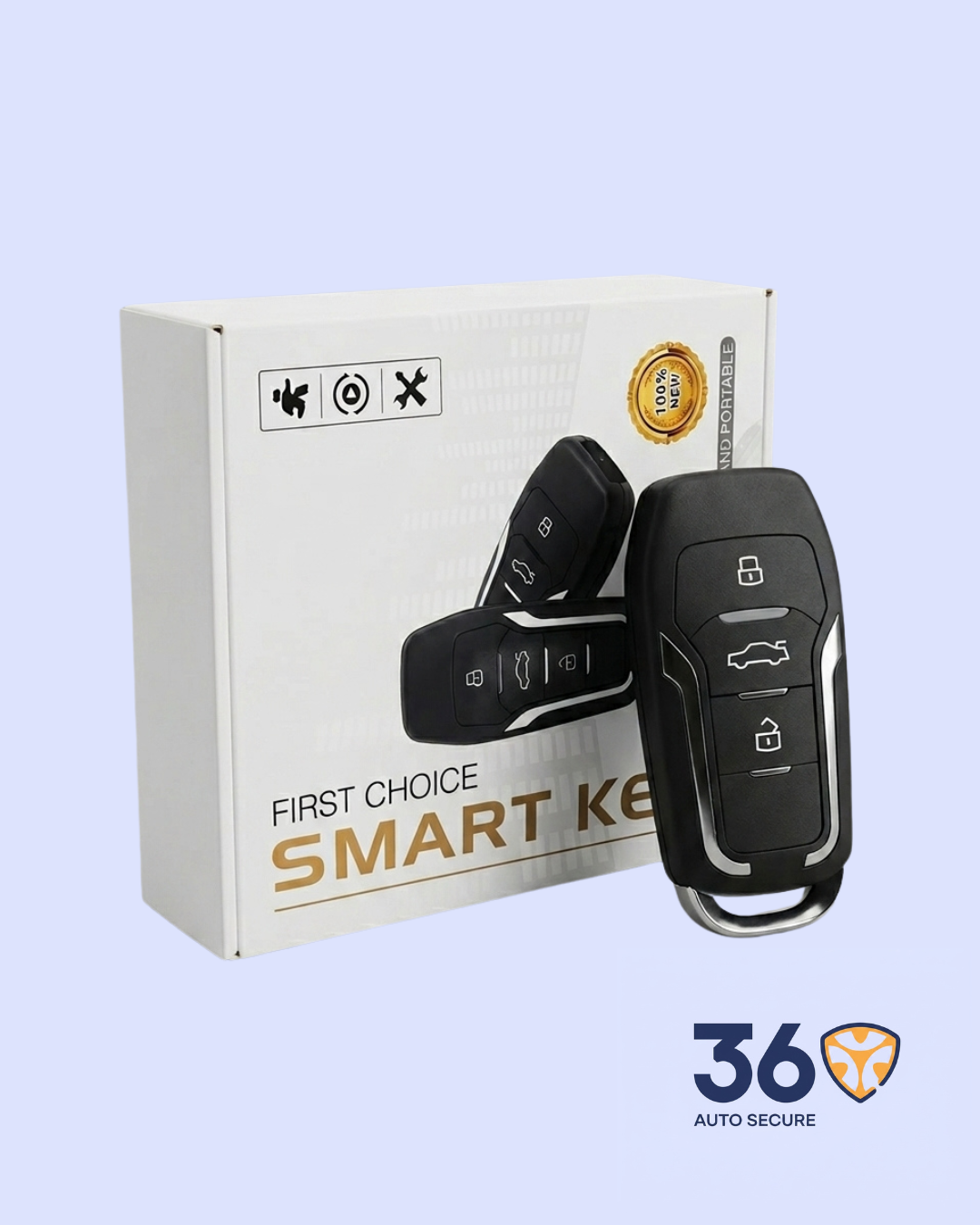
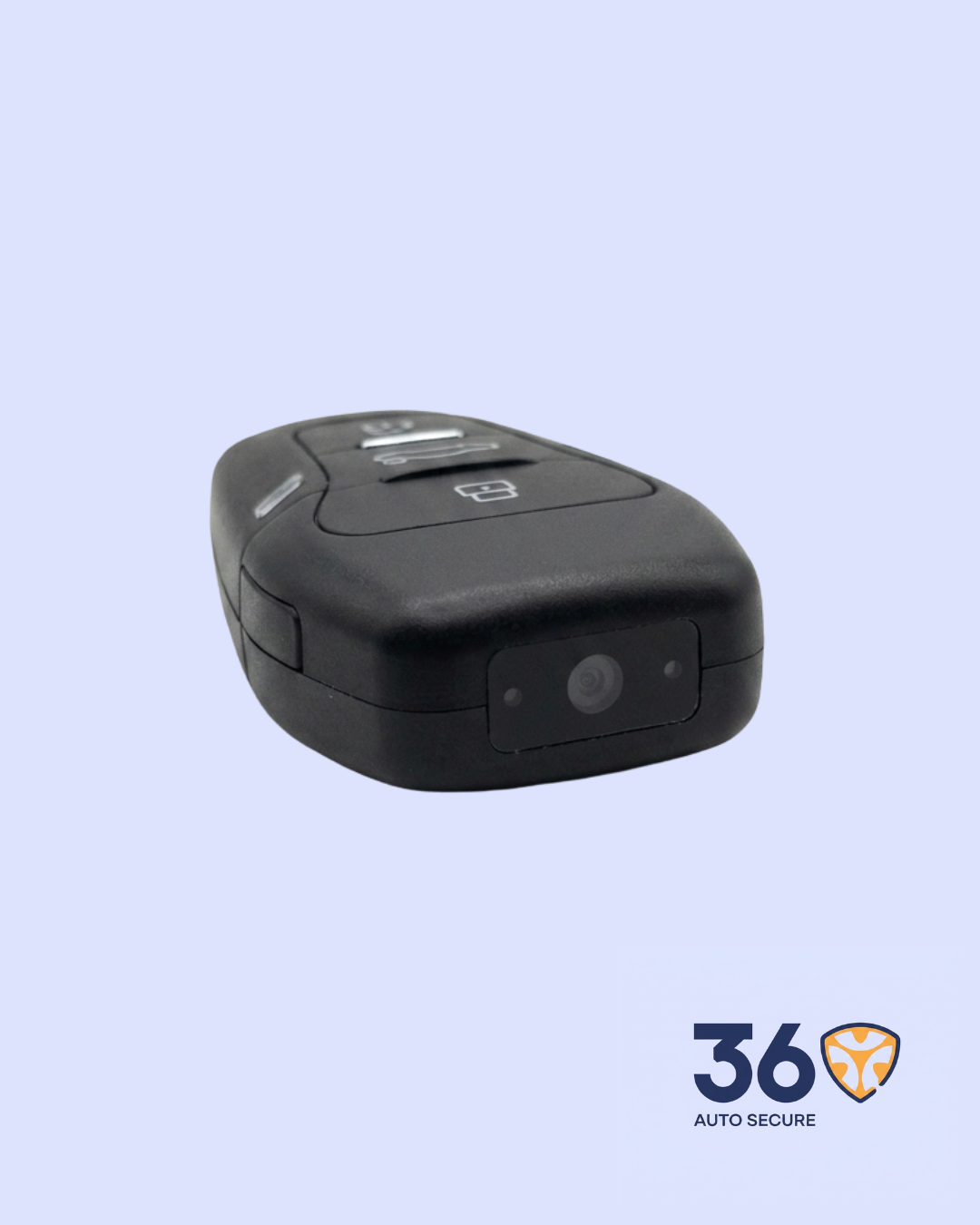
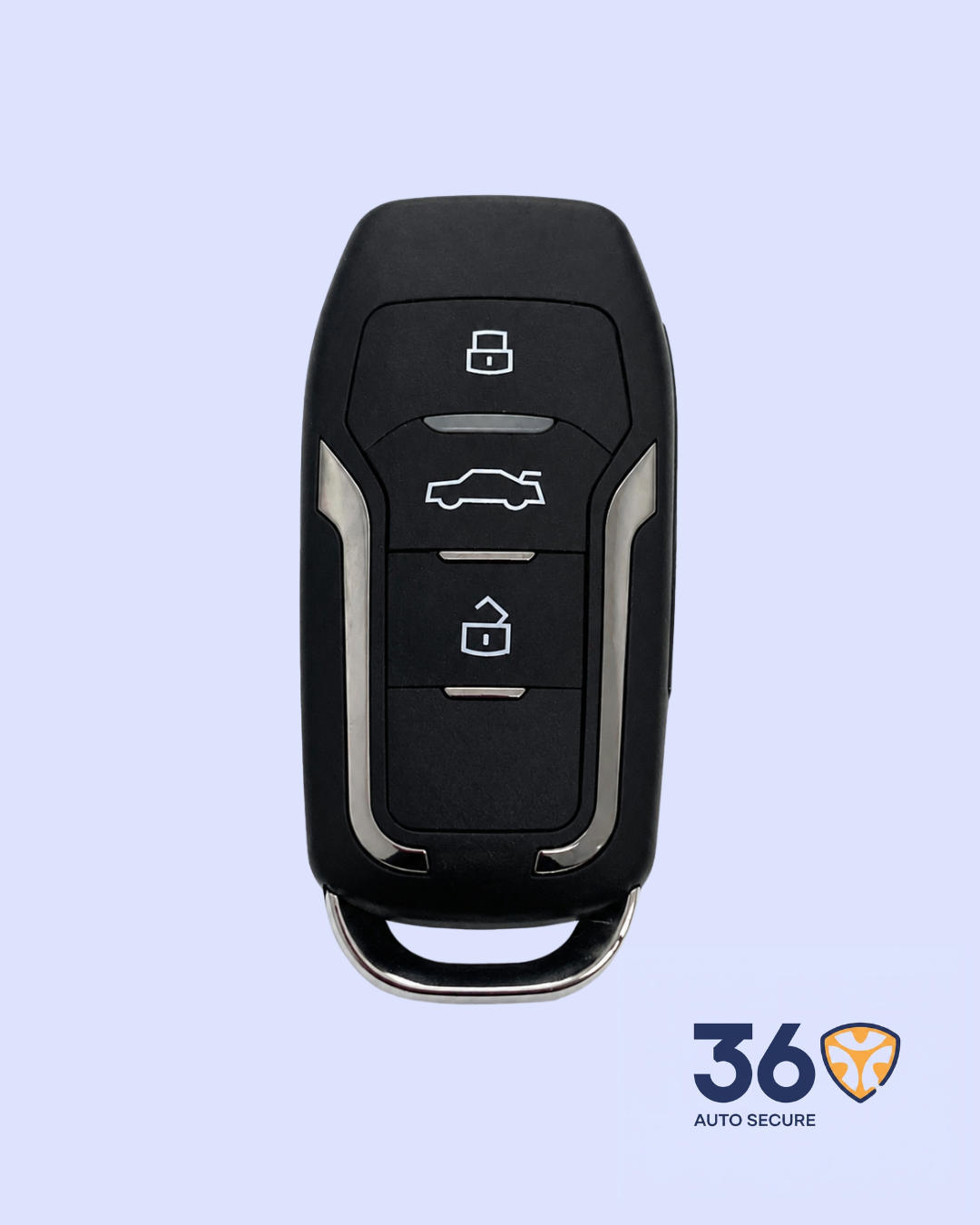

The Smart Key is built for users who need a small, easy-to-carry recording device that does not attract attention. Its car-key design makes it blend naturally with everyday items, while the built-in camera allows recording without Wi-Fi or an app.
| Concealed car-key design | Looks like a normal car key, so it is portable, simple and discreet. |
| 1080P HD video recording | Records video at 1920 x 1080 resolution with a 30fps frame rate. |
| Motion detection mode | Can enter motion-detection recording mode to capture activity when movement is detected. |
| Photo capture | Can take photos directly from standby mode. |
Main Benefits
| No Wi-Fi or app needed | The device records directly to a TF memory card, so it can be used in different indoor or outdoor locations without network limitation. |
| Long recording support | Supports memory cards from 4GB to 256GB and uses loop recording, so old files can be overwritten when the card is full. |
| Long battery life | The manual states a 1000mAh battery with continuous recording of about 9 hours, depending on usage conditions. |
| Simple charging | Charges through a Type-C port. Red indicator flashes during charging and stays on when fully charged. |
| Specification | Details |
| Product Name | Smart Key |
| Category | Surveillance |
| Design | Car-key style concealed design |
| Video Resolution | 1920 x 1080 pixels |
| Frame Rate | 30fps |
| Recording Modes | Video recording, motion detection recording, photo taking |
| Storage Support | TF memory card, 4GB to 256GB |
| Loop Recording | Supported |
| Battery Capacity | 1000mAh |
| Battery Life | About 9 hours continuous recording according to the manual |
| Charging Port | Type-C |
| Reset Function | Reset key for restoring factory settings |
Button Functions
| Button | Function |
| A | Video Mode Button |
| B | Motion Detection Button |
| C | ON/OFF Power Button |
| D | Reset Key |
| F | Night Vision Button* |
*The manual lists a Night Vision button, but also states that night vision is not supported. Confirm this feature before advertising it as active.
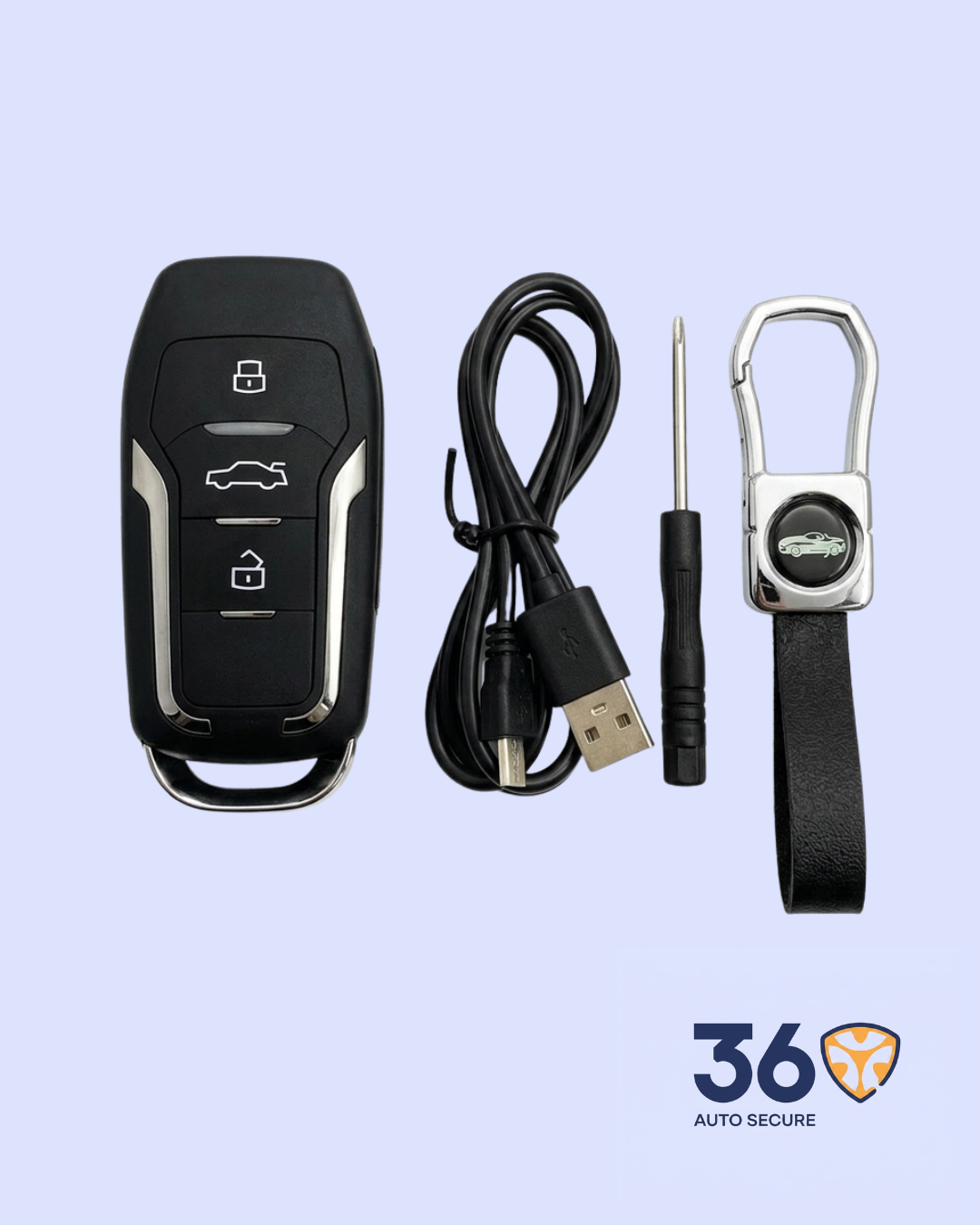
The pack includes the Smart Key device, USB charging/data cable, key holder/accessory, and strap as shown in the product image. Memory card availability should be confirmed before sale because the manual describes the memory card as an optional accessory.
Basic Usage Guide
| Step | Action |
| 1 | Format the memory card before first use and insert one TF card into the device. |
| 2 | Long press the Power Button C. The blue and red lights stay on while the device enters standby mode. |
| 3 | Short press Video Mode Button A once to start video recording. The blue light flashes slowly and then goes off. |
| 4 | Short press Power Button C to save the video and return to standby mode. |
| 5 | From standby mode, press Video Mode Button A twice to take a photo. |
| 6 | Long press Motion Detection Button B for 5 seconds to enter motion-detection recording mode. |
Important: Use this product only in lawful situations and respect privacy rules. Laws on recording and surveillance vary by location.




Reviews
There are no reviews yet.