
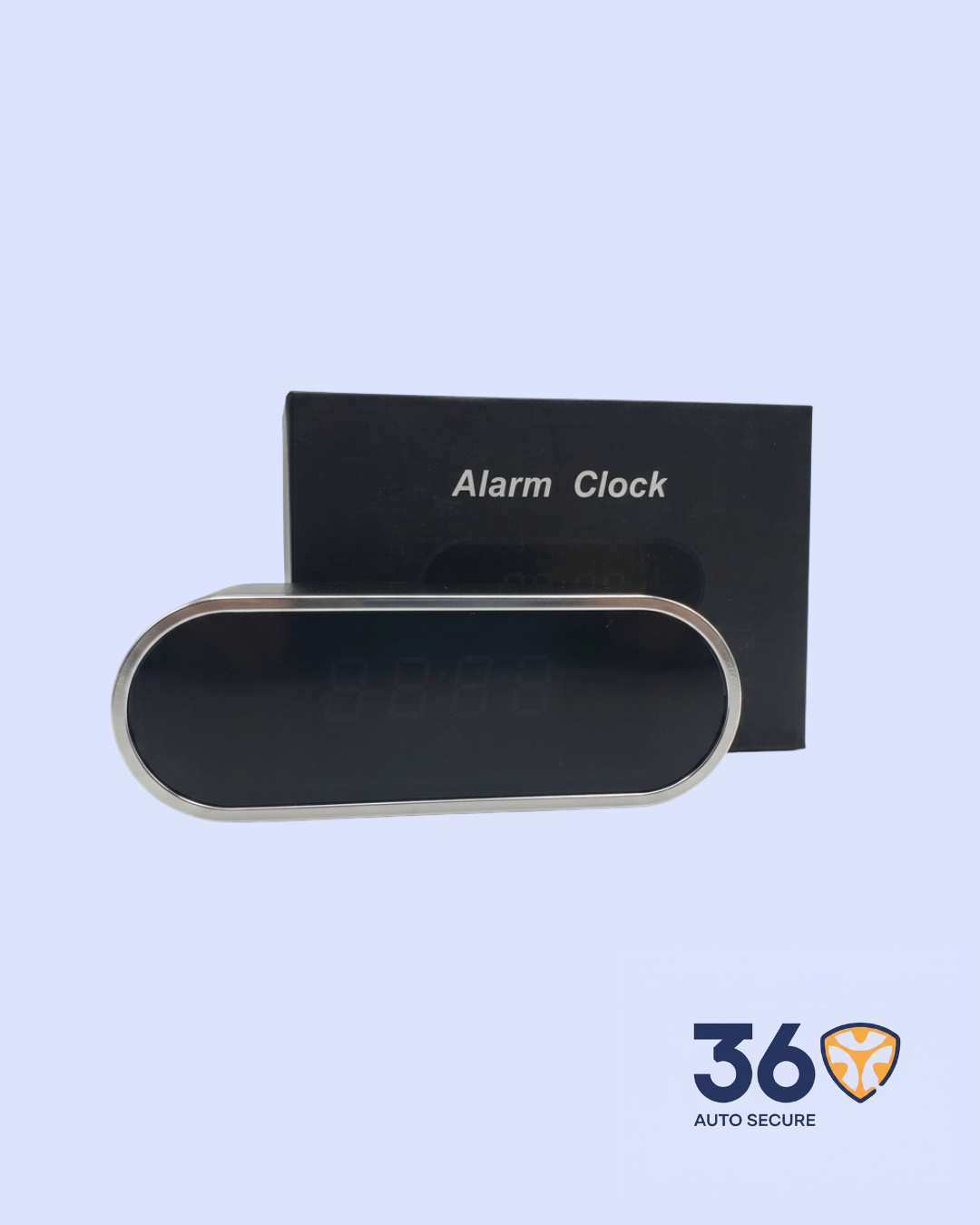
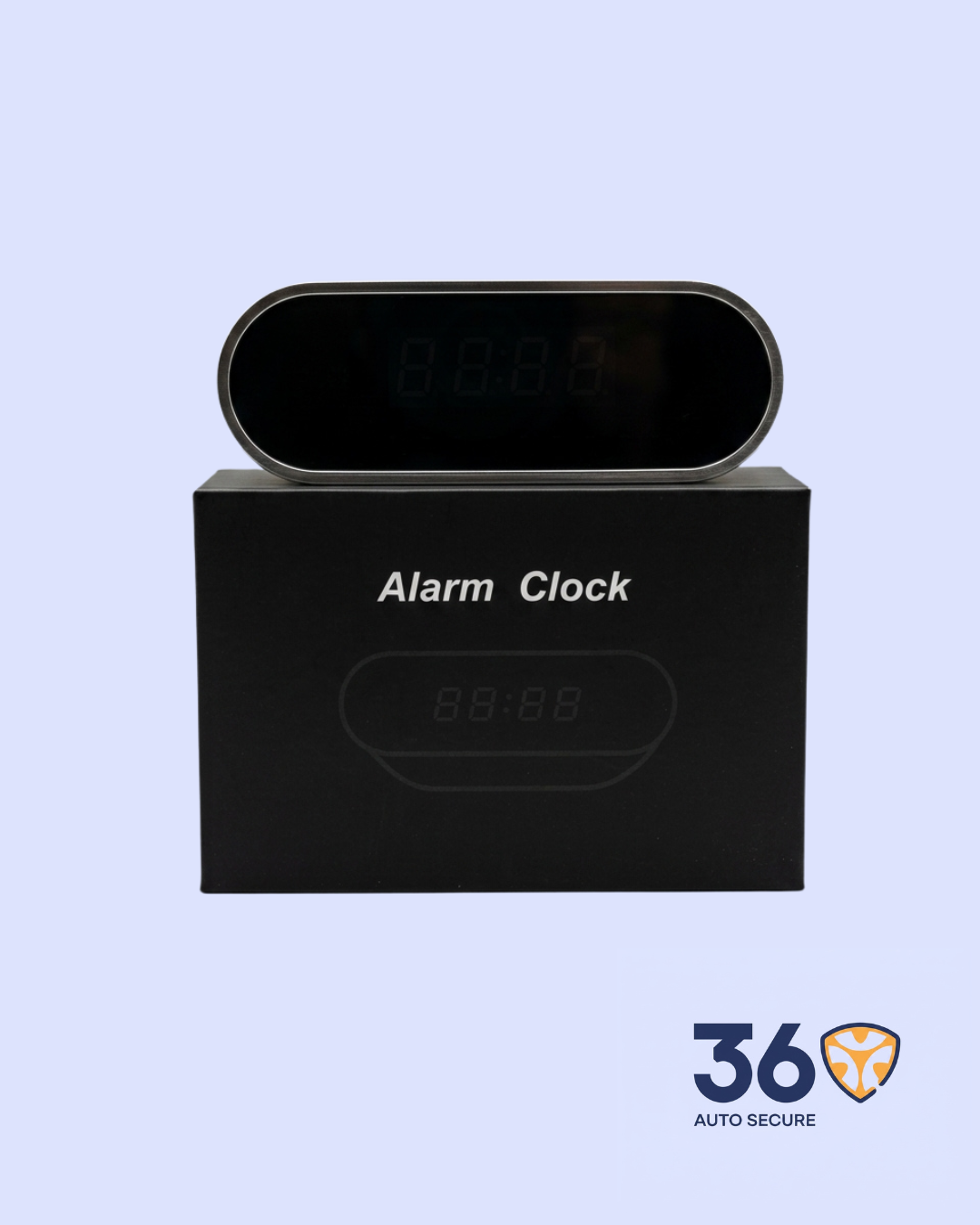
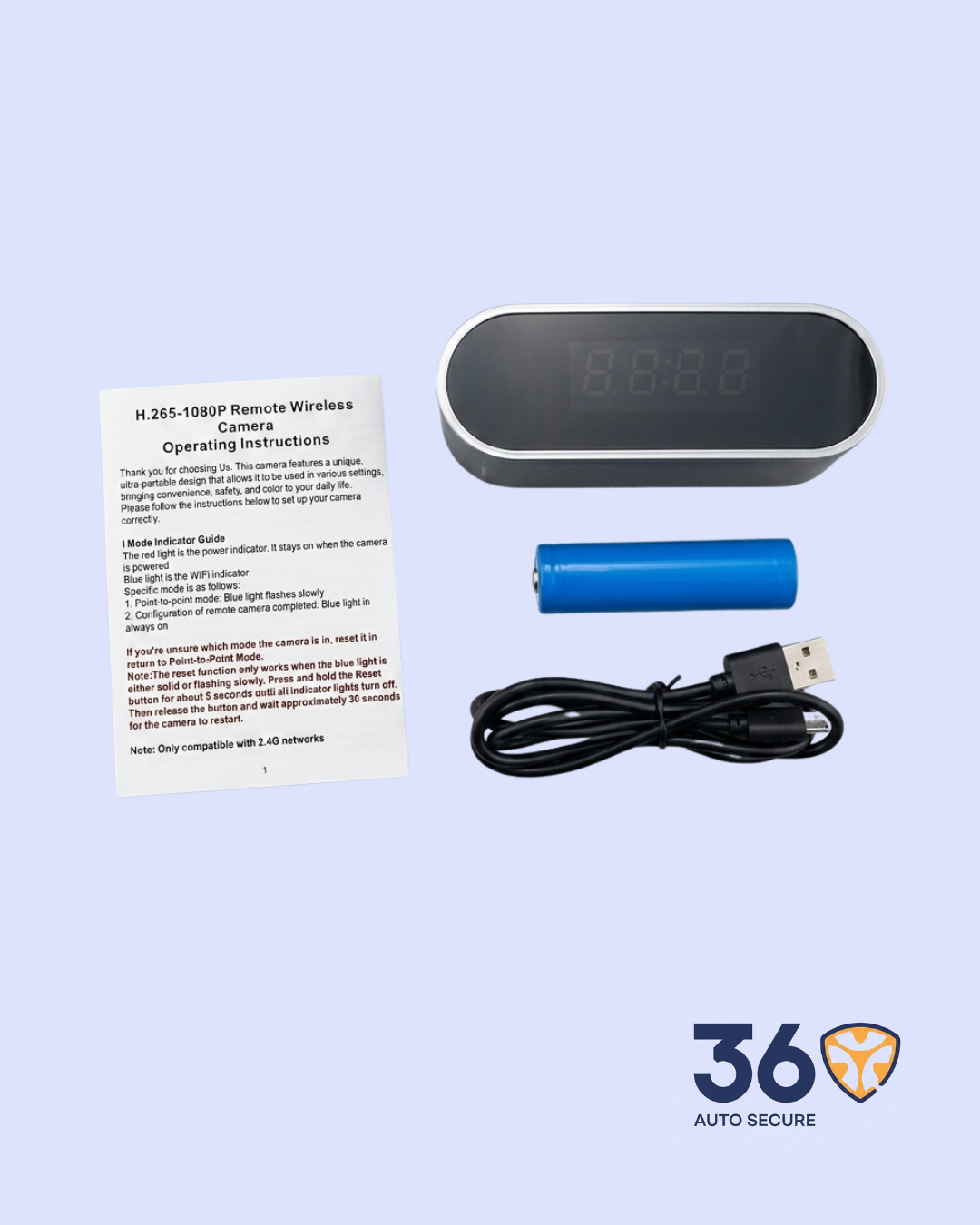
The Alarm Clock Surveillance Camera is a discreet wireless monitoring device designed to look like a regular alarm clock while providing hidden video surveillance. It supports 1080P HD recording, Wi–Fi connection, remote viewing, motion detection, and TF card recording, making it suitable for indoor monitoring where surveillance is allowed.
Key Features
- Discreet Alarm Clock Design: Blends naturally into indoor spaces such as bedrooms, offices, shops, and reception areas.
- 1080P HD Video: Supports 1080P / 720P / 640P / 320P video resolutions for flexible recording quality.
- Remote Wireless Viewing: Connects through Wi–Fi and allows live viewing through a mobile phone app.
- Motion Detection: Helps monitor activity when movement is detected.
- Wide Viewing Angle: Designed to capture a broad viewing area for better room coverage.
- TF Card Recording: Supports memory card recording, with Class 10 cards recommended for reliable performance.
- H.265 Compression: Reduces file size while keeping video quality efficient.
Product Specifications
| Product Name | Alarm Clock Surveillance Camera |
| Category | Surveillance |
| Video Resolution | 1080P / 720P / 640P / 320P |
| Video Format | AVI |
| Frame Rate | 25fps |
| Video Compression | H.265 |
| Viewing Angle | 150/90 degrees |
| Motion Detection Distance | Straight line up to 6 meters |
| Minimum Illumination | 1 LUX |
| Recording Range | 5 meters |
| Memory Card Type | TF Card |
| Player Software | VLC Player / SMPlayer |
| Computer Support | Windows / Mac OS X |
| Phone Support | Android / iOS |
| Web Browser Support | IE7 and above, Chrome, Firefox, Safari |
| Working Time | Over 1 hour |
| Power Use | 380mA / 3.7V |
How It Works
Charge the device fully before use. Once powered on, the camera can be connected to a mobile phone using the LookCam app.
The user can first connect directly to the camera’s Wi–Fi hotspot, then configure it to work with a home or office Wi–Fi network for remote access.
Through the app, users can view live footage, take screenshots, review recordings, and adjust settings such as Wi–Fi connection and video options.
Important Notes
- Use a 2.4G Wi–Fi network for setup and connection.
- Use a good-quality TF card for recording; a high-speed card is recommended.
- If the device does not connect properly, reset it and repeat the pairing process.
- When configuring Wi–Fi, make sure the correct password is entered; a wrong password may cause the camera to go offline.




Reviews
There are no reviews yet.