
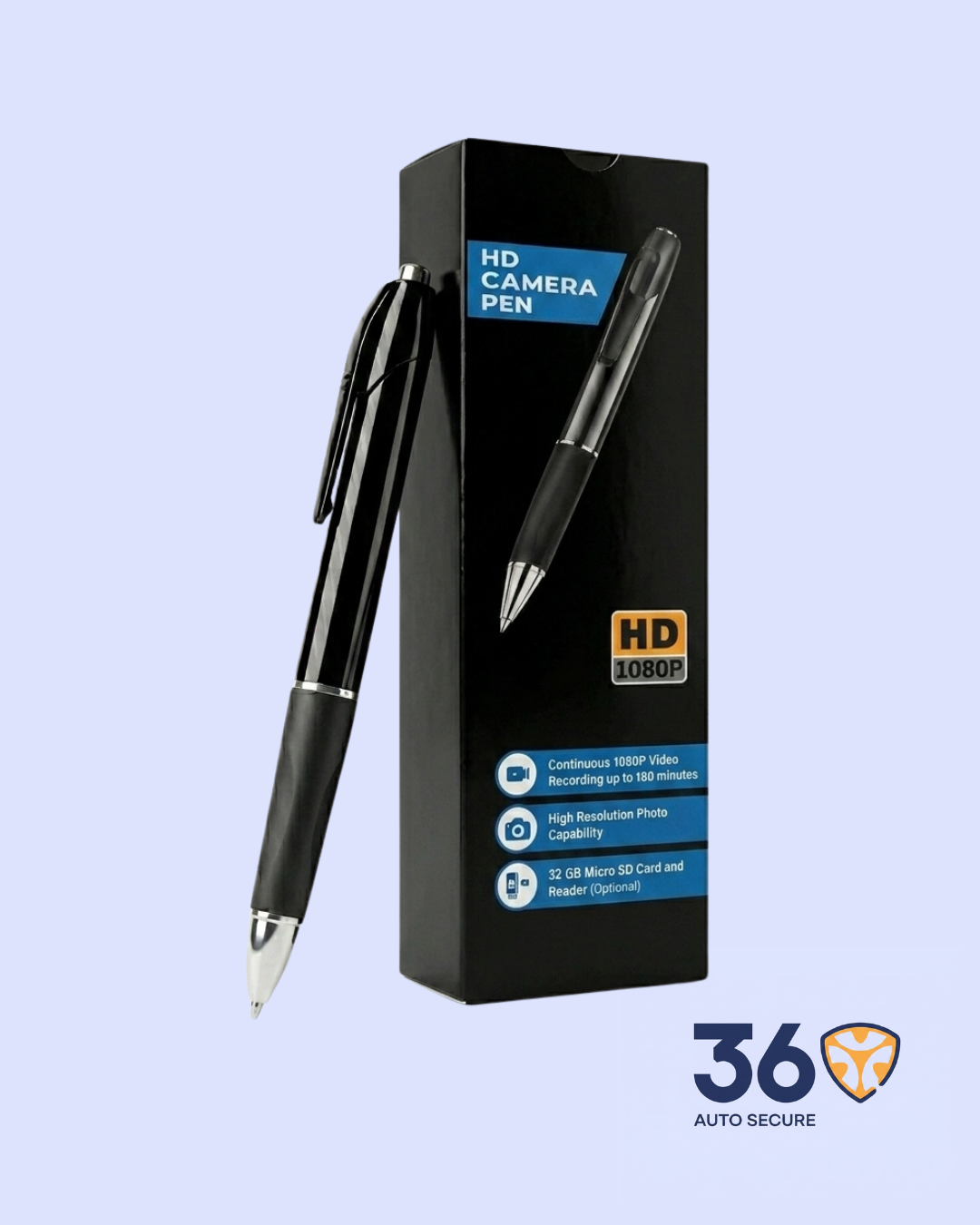
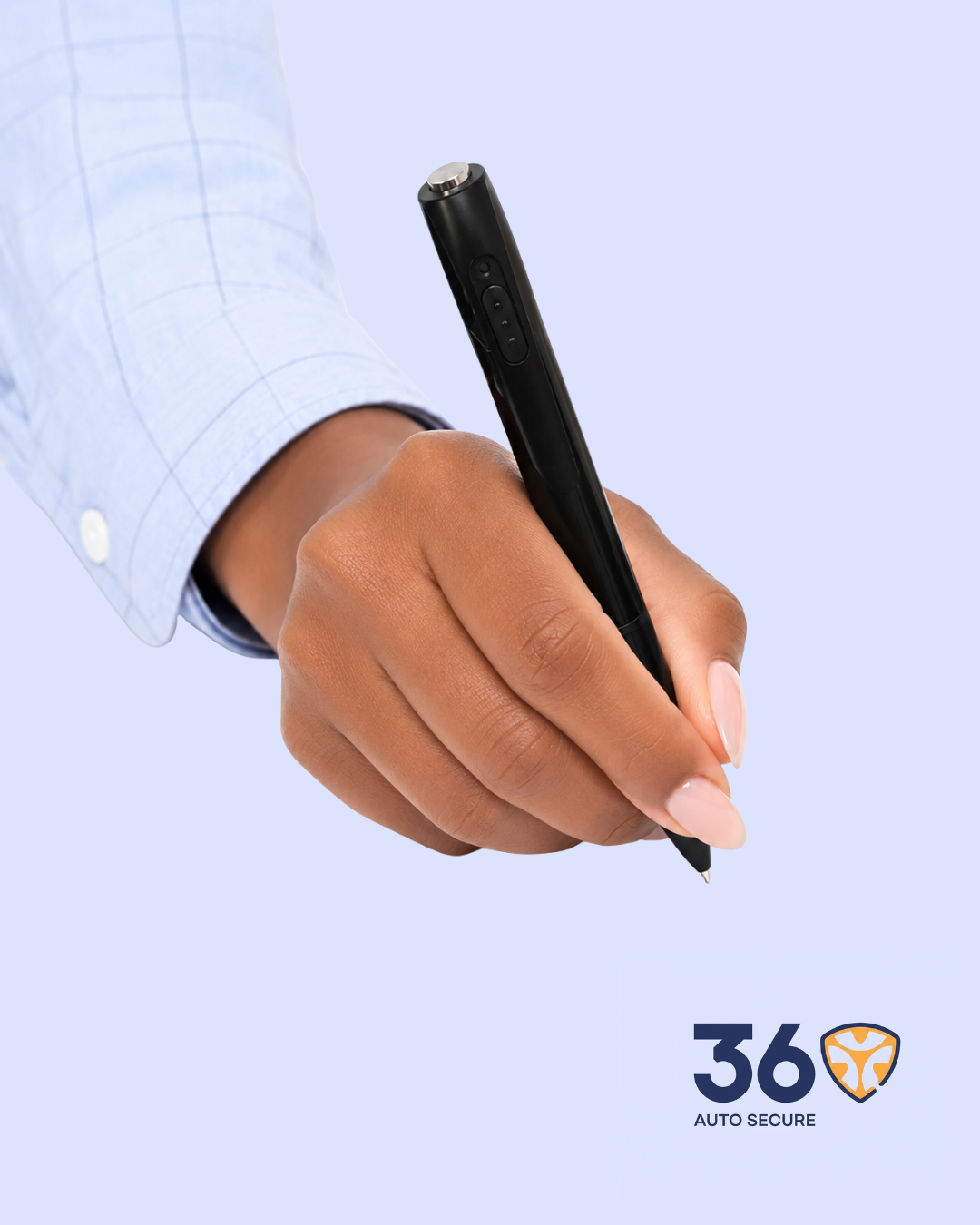
The HD Camera Pen gives users a simple way to record important moments while still carrying a device that looks like a regular pen. It supports video recording, audio recording, photo taking, and USB file transfer. It also works as a normal writing pen, making it practical for daily use in an office, school, business, or travel setting.
- 1080P HD Video Recording: Records clear video in 1920 x 1080P resolution at 30 frames per second.
- Audio Recording: Supports WAV audio recording for capturing sound during meetings, lectures, and conversations.
- High Resolution Photos: Captures JPG photos with a high-resolution photo capability of about 12MP / 4032 x 3024.
- Long Recording Time: Built-in rechargeable lithium battery supports up to about 150 minutes of continuous recording according to the manual. The product box also mentions up to 180 minutes, which may depend on usage conditions.
- Micro SD Card Support: Supports 8GB to 256GB micro SD card storage. A Class 10 card is recommended for smooth recording.
- Loop Recording: When loop recording is enabled, the device can continue recording by overwriting older files when the memory card is full.
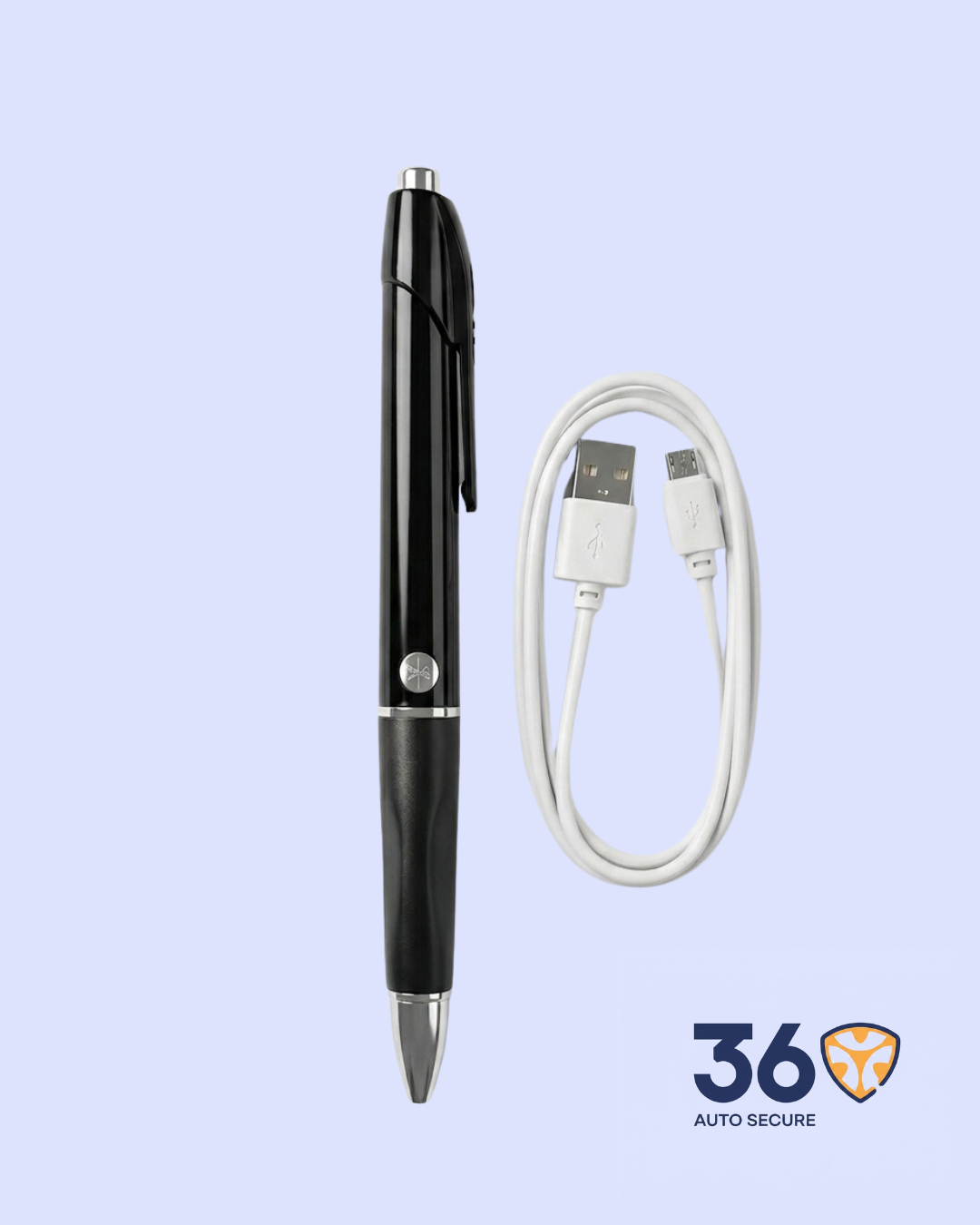
- USB Charging and Transfer: Connect to a computer through USB for charging, storage access, and file transfer.
- Portable Pen Design: Designed like a regular pen, easy to carry in a pocket, notebook, office bag, or meeting file.
Important Usage Notes
- Charge the battery fully before first use.
- Insert a micro SD card before recording.
- Format the memory card before use for best performance.
- Use the device only in places where recording is allowed.
Specifications
| Item | Details |
| Product | HD Camera Pen |
| Category | Surveillance |
| Video format | AVI |
| Video coding | M-JPEG |
| Video resolution | 1920 x 1080P |
| Frame rate | 30fps |
| Photo format | JPG |
| Photo resolution | 4032 x 3024 |
| Audio format | WAV |
| Memory card support | 8GB – 256GB micro SD card |
| Battery | Built-in rechargeable lithium battery |
| Working time | About 150 minutes |
| Charging port | Micro USB |
| Storage support | USB storage / micro SD card |
How It Works
- Power on/off: Hold the power button to turn the pen on or off.
- Record video: From standby mode, press the recording button to start or stop video recording.
- Take photos: In standby mode, press the button as directed in the manual to capture a photo.
- Audio recording: Use the audio recording mode to record sound only.
- File transfer: Connect the pen to a computer with the USB cable or remove the micro SD card and use a card reader.





Reviews
There are no reviews yet.